The best label makers range from pocket-size organizers to desktop printers for product and shipping labels. Choose by label width, device compatibility, and whether you need portable everyday labels or a higher-volume business workflow.
Quick Top Products
Phomemo D30
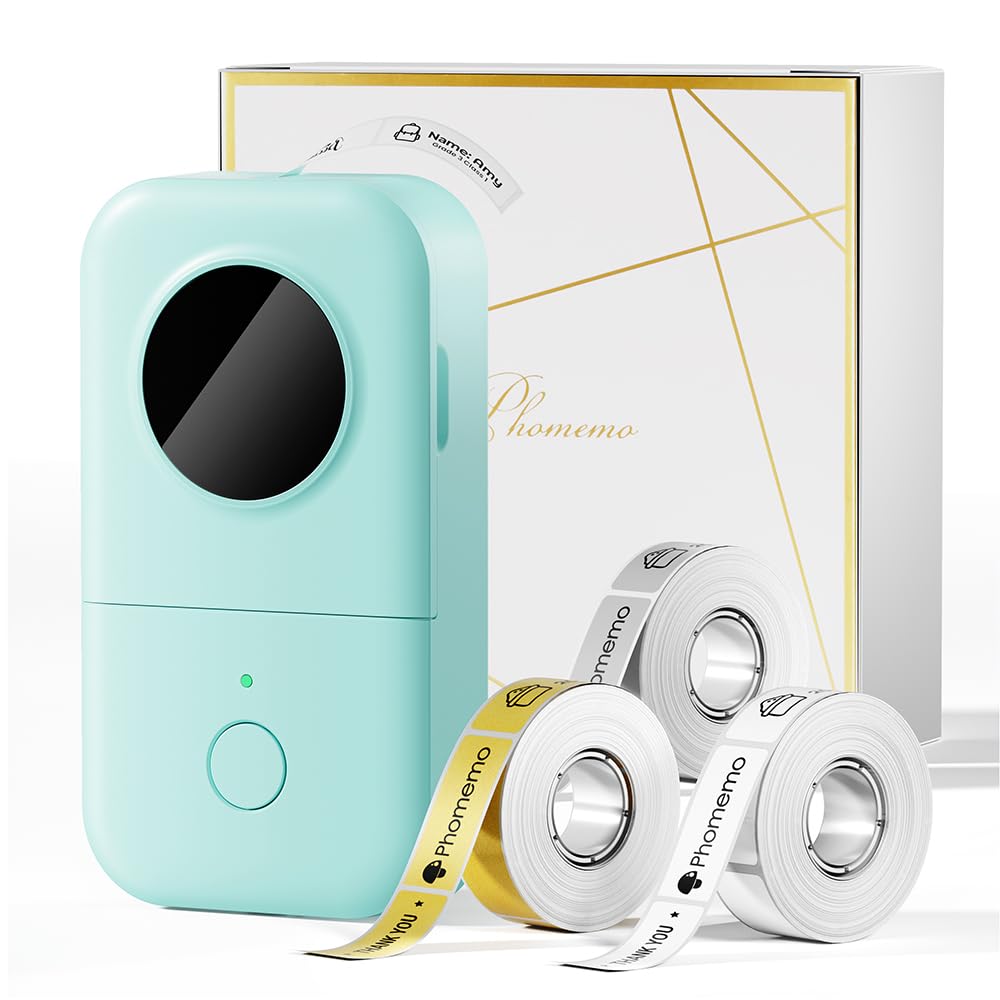
- Comes with white, gold, and clear tapes.
- Supports continuous tape and fixed-length labels.
- Prints monochrome output on thermal tape.
Best For: Home and school users who want a pocket-size printer with varied templates and label tapes.

Nelko P21
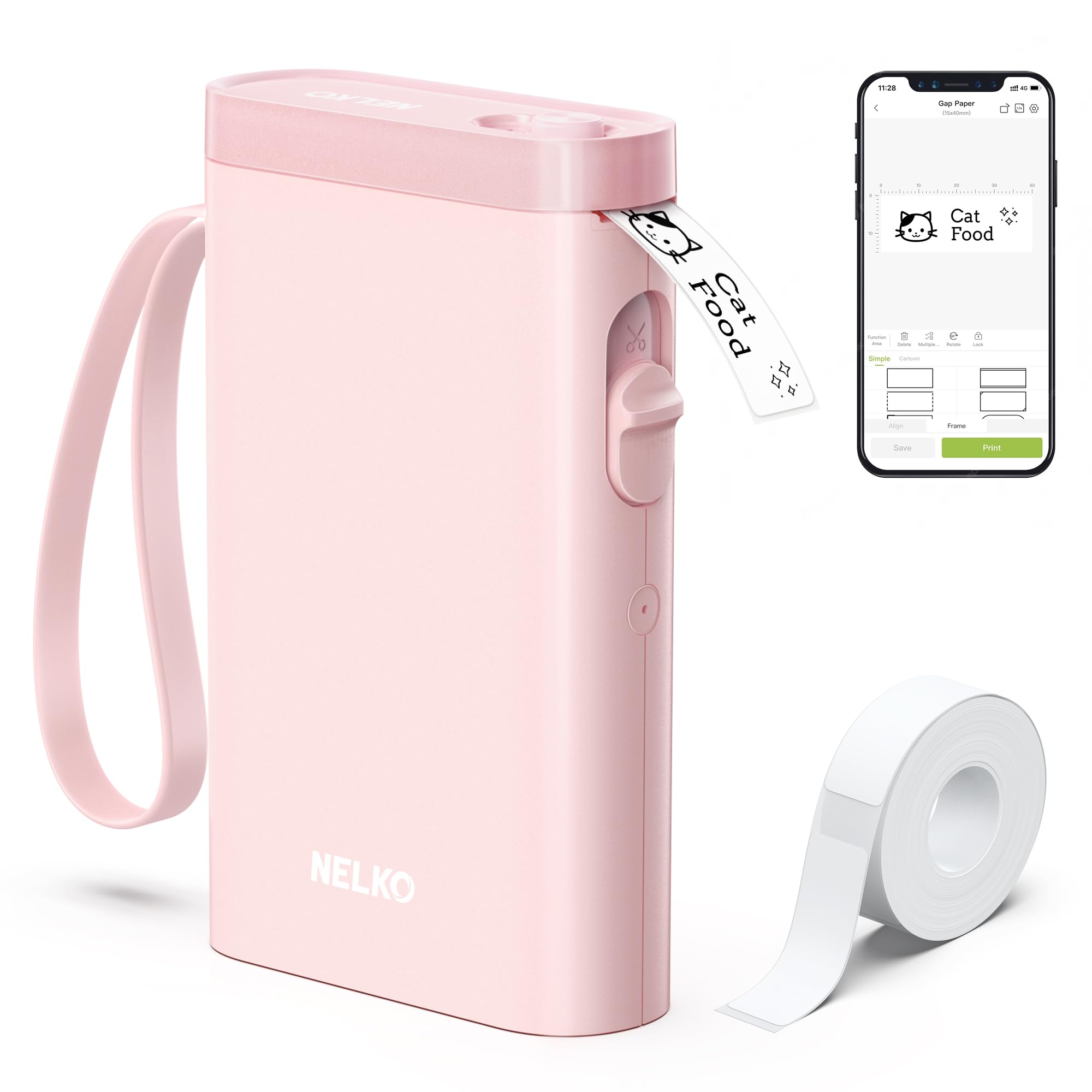
- Connects to iOS and Android phones by Bluetooth.
- Its app includes templates, borders, and icons.
- Prints fixed-length labels rather than continuous tape.
Best For: Phone users who want a small Bluetooth maker for fixed-size home, office, and classroom labels.
NIIMBOT D101
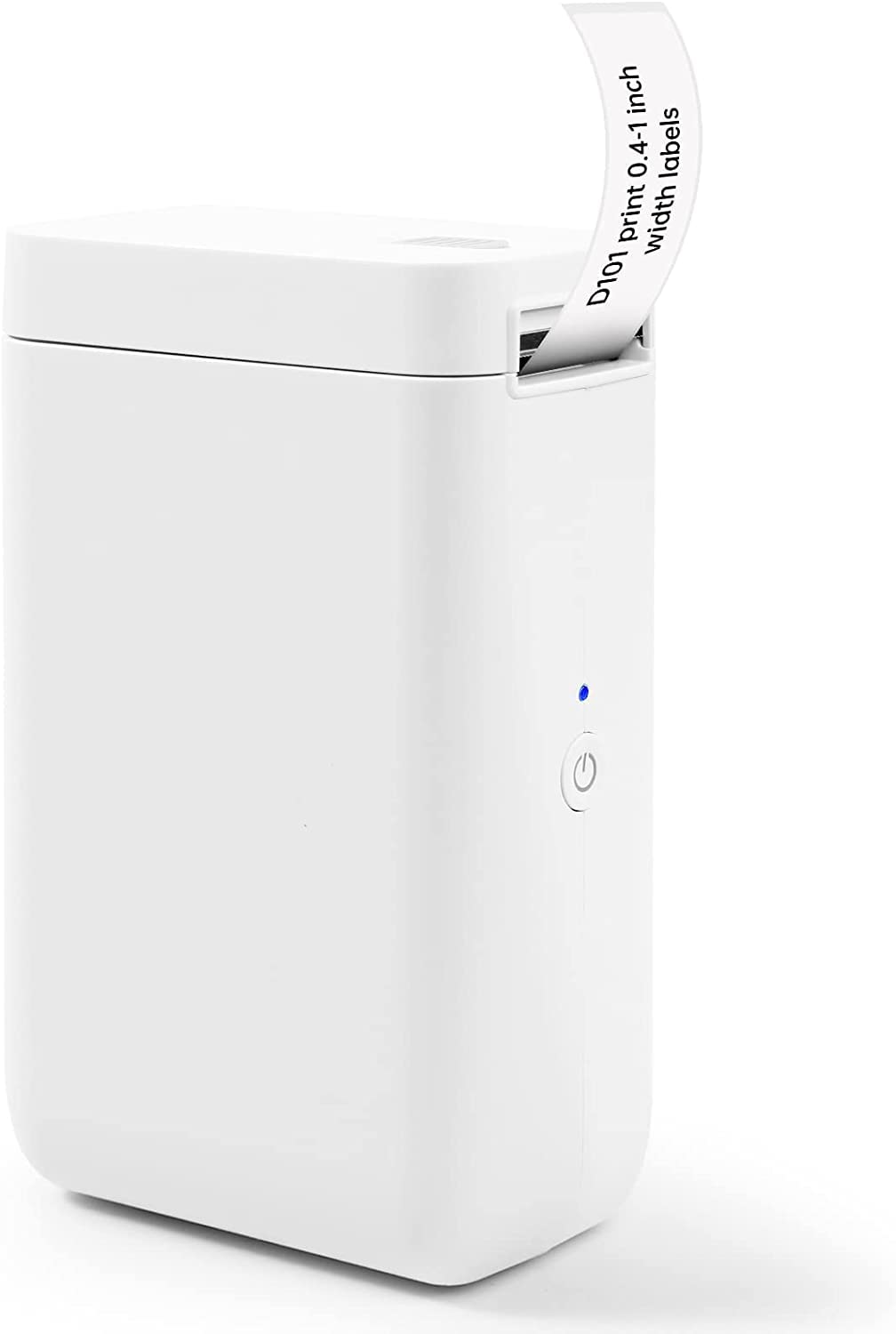
- Supports 0.5-inch and 1-inch tape widths.
- The app can create text, graphics, barcodes, and QR codes.
- It is rechargeable and uses thermal printing.
Best For: Organizers who want a phone-connected printer that supports two label tape widths.
Phomemo P12
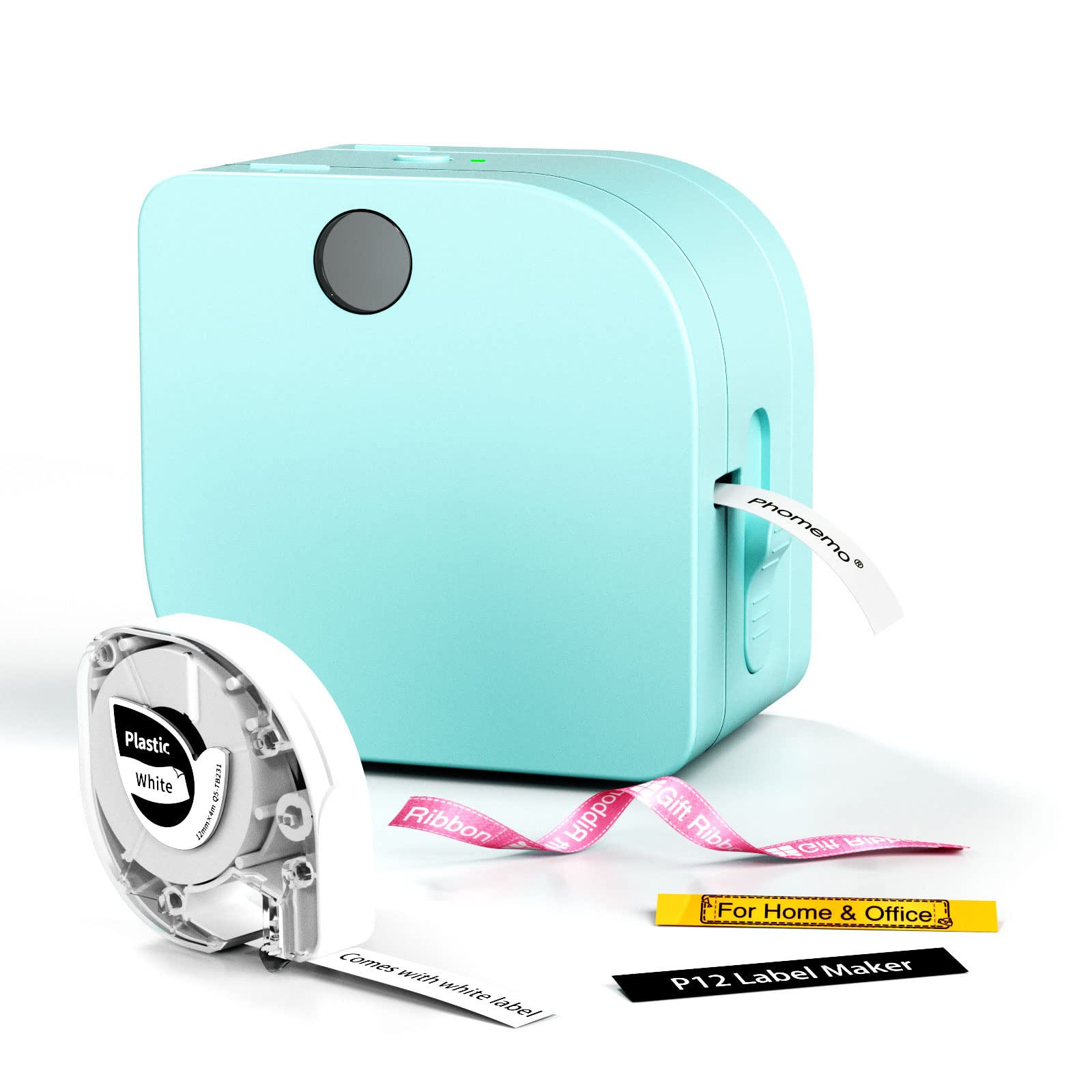
- Supports thermal and thermal transfer labels.
- The app connects with iOS and Android by Bluetooth.
- Power options include USB-C or six AAA batteries.
Best For: Users who need both everyday thermal labels and transfer labels for clothing or craft projects.
Memoqueen M110
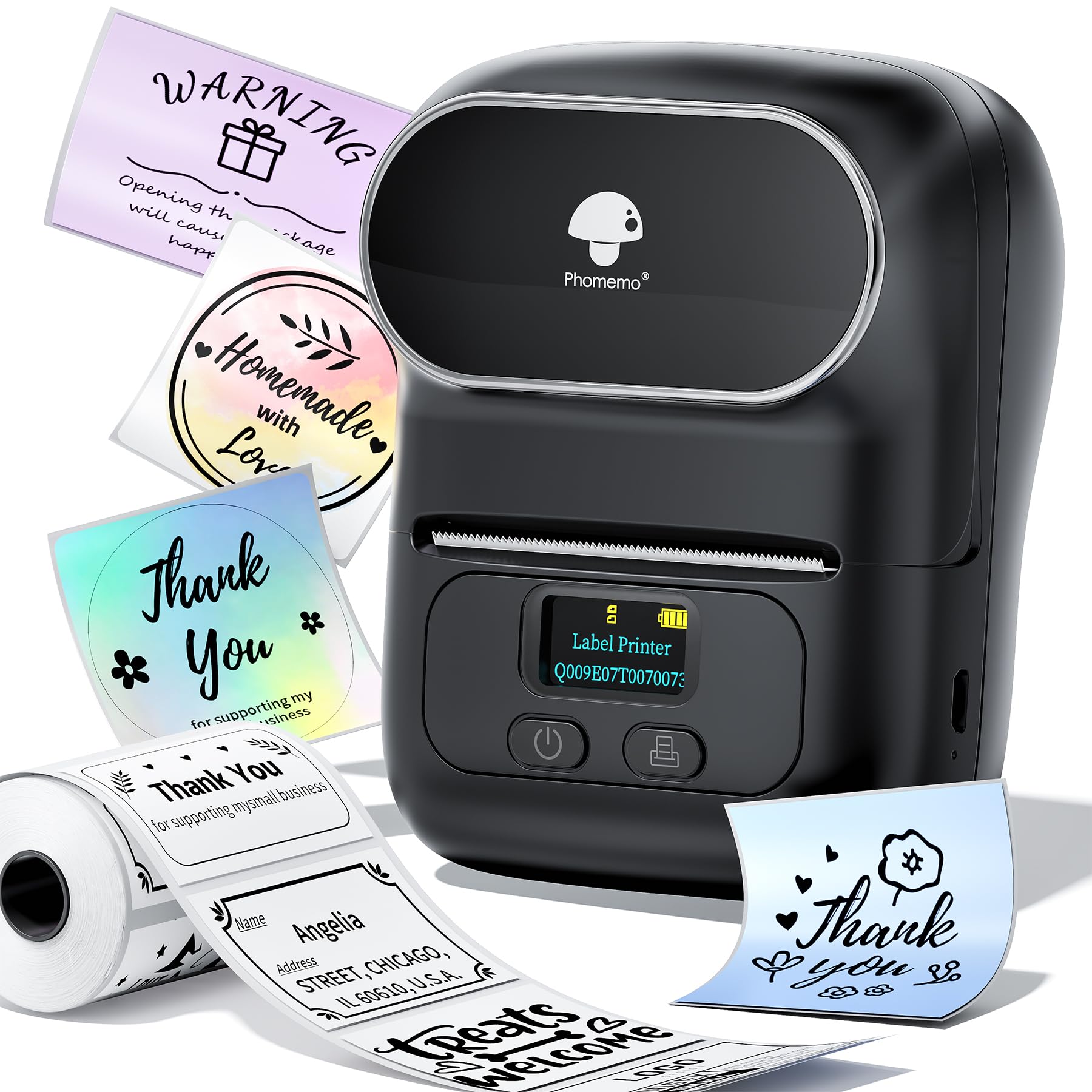
- Supports label widths from 20mm to 50mm.
- Includes one 40x30mm thermal label roll.
- Supports Excel batch printing in its app.
Best For: Small-business users who want a portable phone printer with Excel batch printing and varied label styles.
Phomemo M221
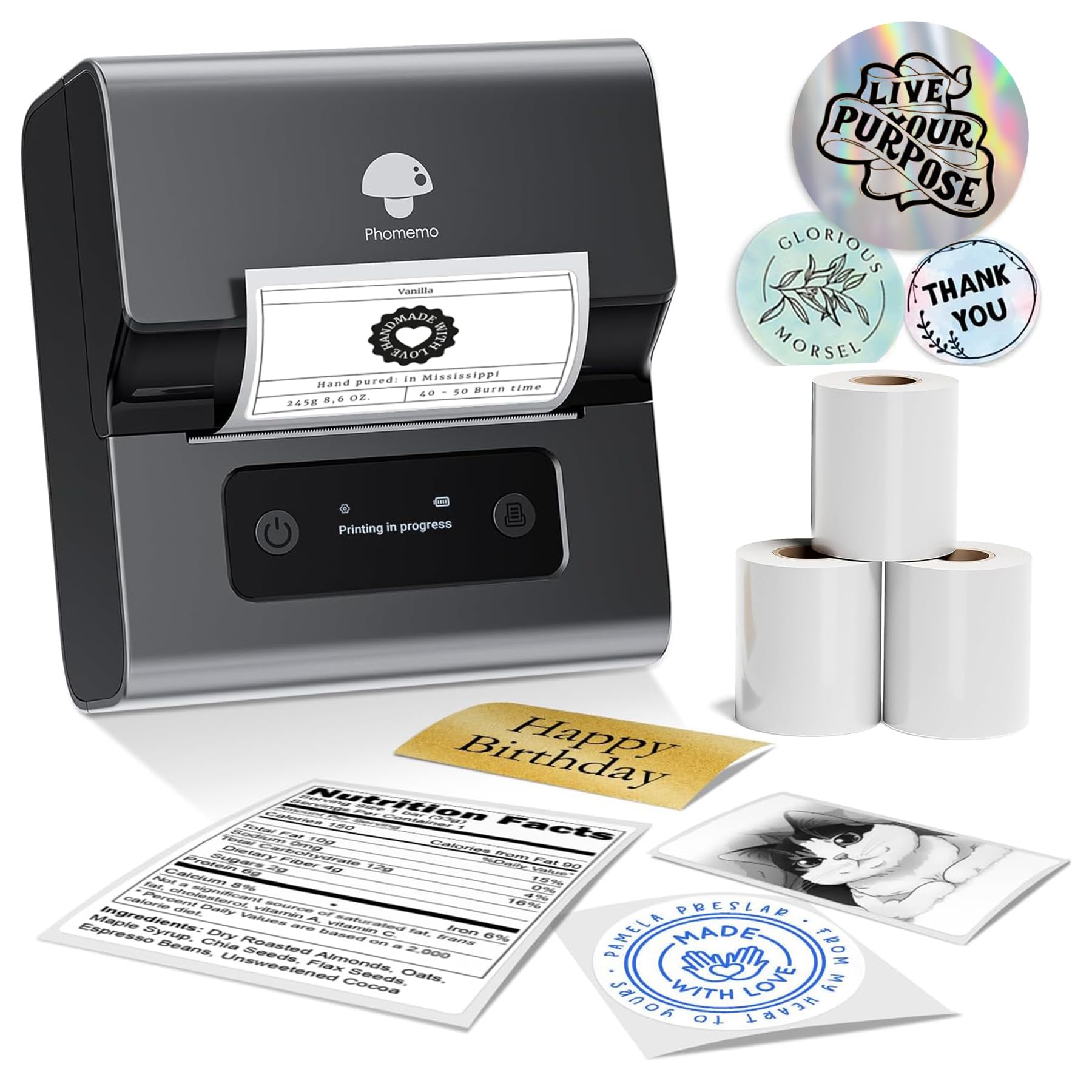
- Supports label widths from 0.78 inches to 3.14 inches.
- Works with more than 50 thermal label types.
- Connects to phones, tablets, or PCs via Bluetooth.
Best For: Home or small-business users who need wider custom labels and frequent consecutive printing.
Nelko PL70E
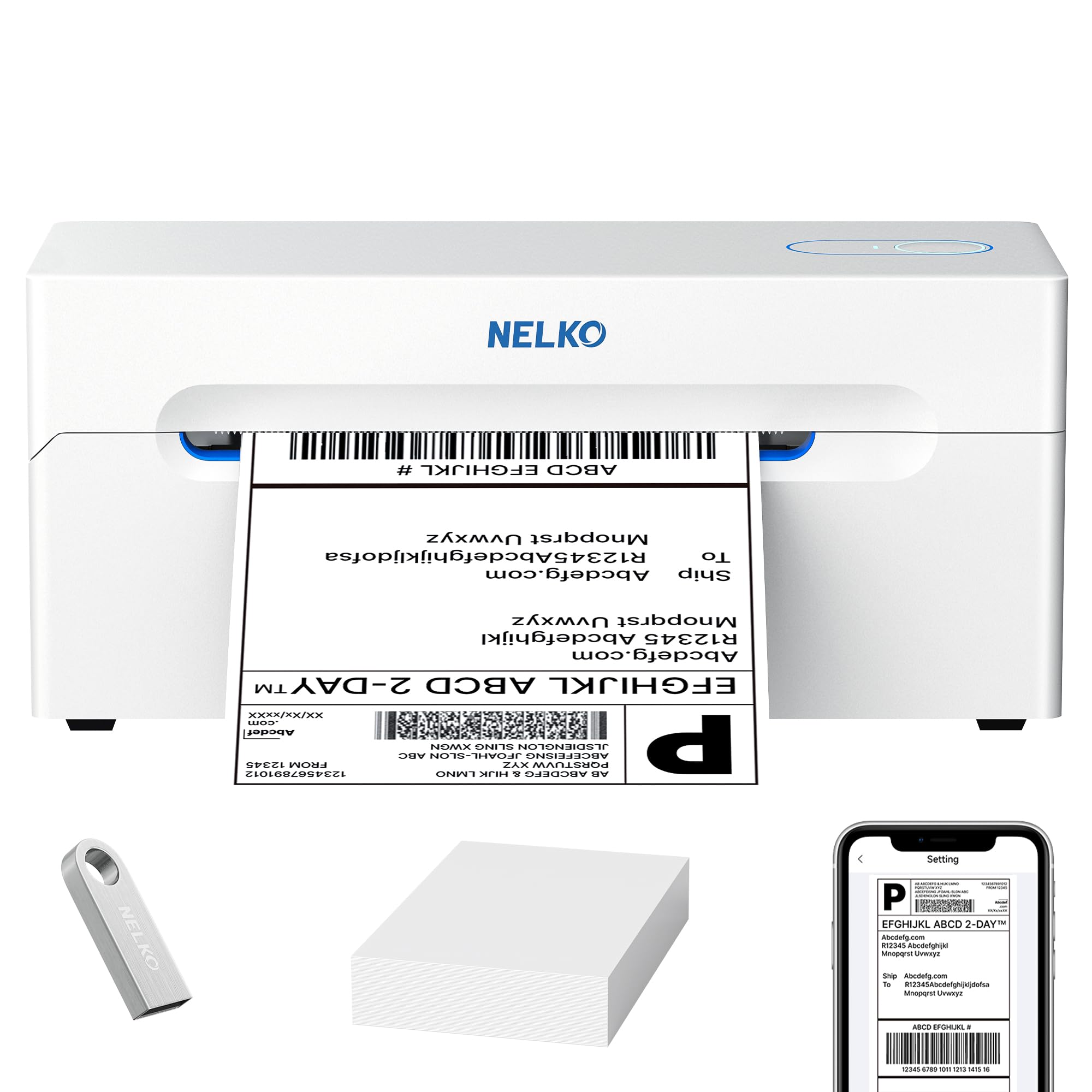
- Supports label widths from 1.57 inches to 4.1 inches.
- Offers Bluetooth and USB connections.
- Prints without ink or toner.
Best For: Small sellers who need a desktop printer for shipping labels plus narrower product and classroom tags.
Phomemo High-Speed 4x6 Printer
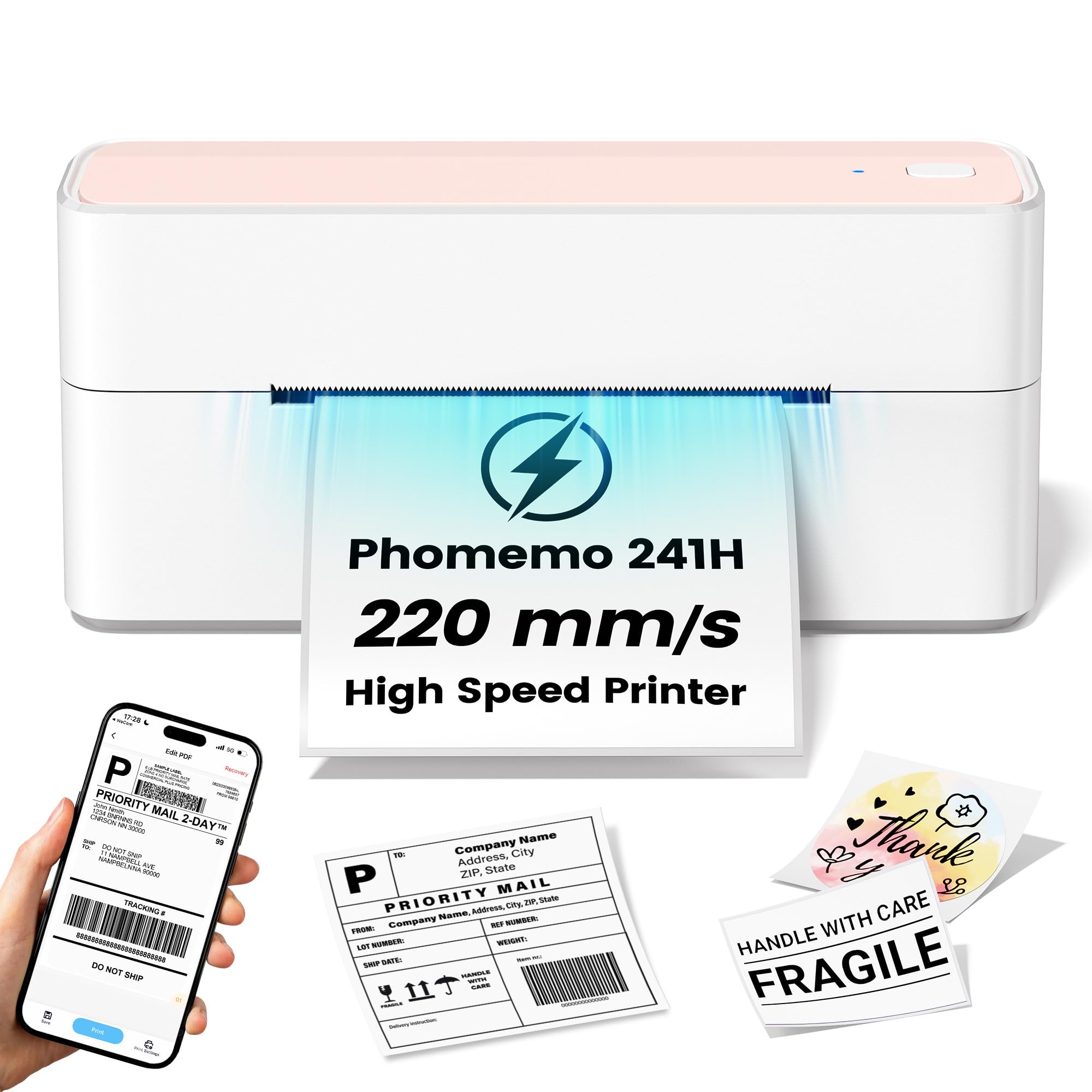
- The stated print speed is 220mm/s.
- Supports major ecommerce and shipping platforms.
- Connects by USB to Windows, Mac OS, and Linux systems.
Best For: Small sellers handling frequent 4x6 shipping labels from a USB-connected computer.
Omezizy D450BT
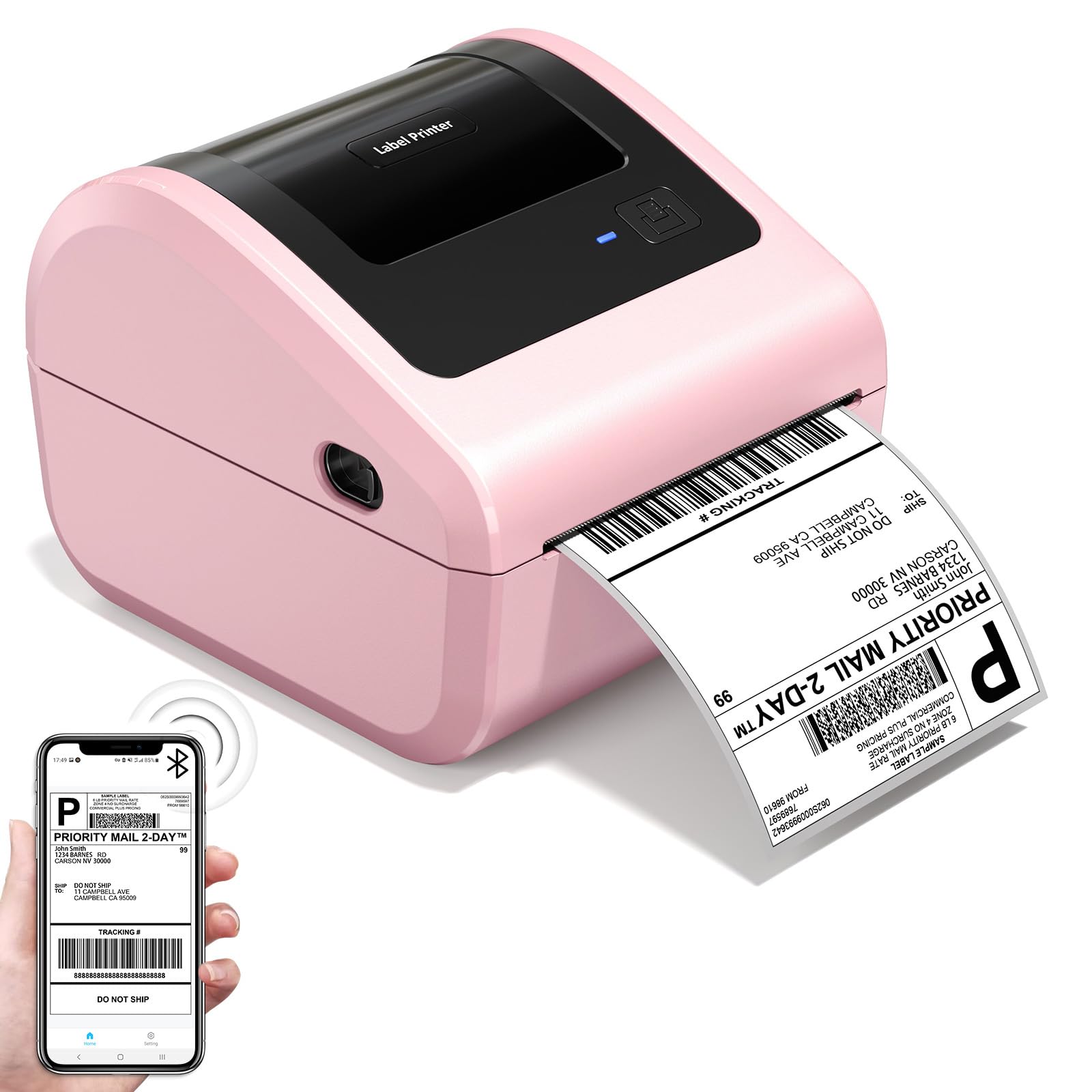
- Built-in bin holds up to 250 4x6 labels.
- Supports Bluetooth and USB connections.
- Supports label widths from 1 to 4.6 inches.
Best For: Small sellers wanting a compact 4x6 shipping printer with internal roll storage and flexible connections.
Phomemo M250
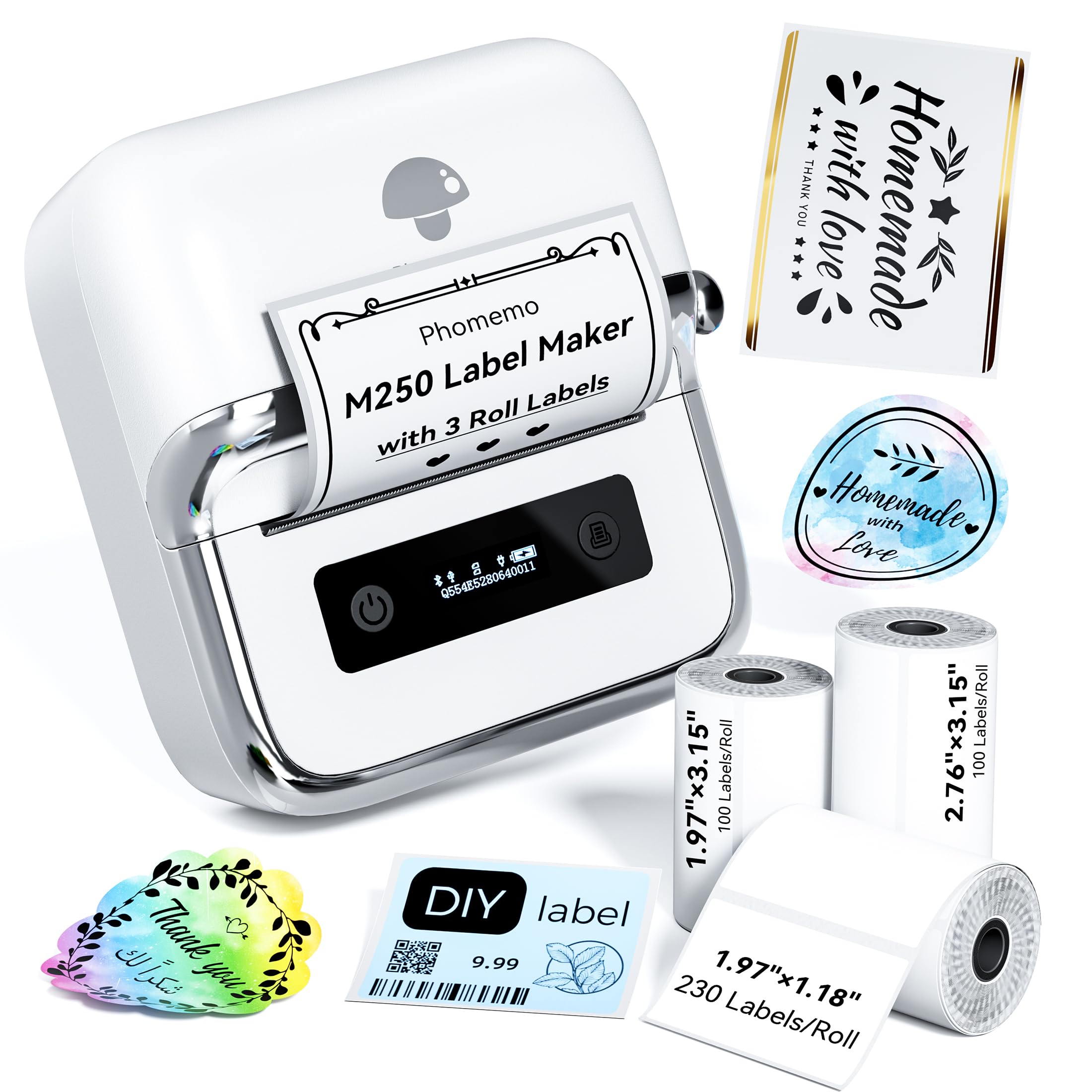
- Includes three label rolls in different sizes.
- Supports label widths from 20mm to 75mm.
- Battery is rated for up to 5,000 labels per charge.
Best For: Users who want a portable printer, included label variety, and batch-oriented app features.
Pocket Labeling With Creative Templates
Phomemo Label Maker Machine with Tapes - White/Clear/Gold Labels, D30 Portable Handheld Bluetooth Mini Label Makers, Multiple Templates Fonts Icon, Thermal Small Label Printer Rechargeable for Home
The Phomemo D30 is a compact Bluetooth label maker for printing from a mobile device. It supports continuous tape and fixed-length labels, and the included three tapes are white, gold, and clear.
Its app offers templates, fonts, symbols, frames, barcodes, and QR codes, giving home organizers and teachers options for varied short labels. Direct thermal printing avoids ink, toner, and ribbons, but the output is monochrome: color comes from the selected tape.
This is a practical fit for pantry, school, and small-business tags. Check the tape format and app workflow before buying, especially if you want labels sized freely or plan to print from a computer.
Best For: Home and school users who want a pocket-size printer with varied templates and label tapes.
| Pros | Cons |
|---|---|
|
|
Choose the D30 if pocket portability and a choice of tape appearance matter more than computer-based setup. Its continuous tape option also makes it more flexible for custom label lengths than printers limited to preset label sizes.
The output remains black text, so gold or clear tape changes the label background rather than adding color printing. Before buying, confirm the included tape widths and whether the app-based workflow suits your phone.
Small Phone-Only Organization Labels
Nelko Label Maker Machine with Tape, P21 Bluetooth Label Printer, Wireless Mini Label Makers with Multiple Templates for Organizing Office Home, Pink
The Nelko P21 is a compact Bluetooth label printer that works with iOS and Android phones through the Nelko app. Its templates support text, images, barcodes, and QR codes, while its monochrome thermal output avoids ink and toner.
The printer handles fixed label lengths and does not support continuous tape, so check that its available label formats match your project. It is aimed at everyday organization, including food storage, school supplies, and office tags.
Computer printing is not supported, and the notes flag incompatibility with Google phones running Android 14. It is best suited to buyers comfortable with app-based, fixed-format printing.
Best For: Phone users who want a small Bluetooth maker for fixed-size home, office, and classroom labels.
| Pros | Cons |
|---|---|
|
|
The P21 suits buyers who create short labels on a phone and value a compact device with an extensive app library. Its fixed-length format is a clear constraint for custom-length labeling, and it cannot serve as a computer printer.
Check phone compatibility before purchase, particularly if using a Google phone with Android 14. Also confirm that the available label sizes fit your containers, folders, or classroom supplies.
Two Width Options in One Rechargeable Maker
NIIMBOT Label Maker Machine D101 Label Printer Portable Wireless Connection Multiple Templates Available for Phone Easy to Use Office Home Organization USB Rechargeable
The NIIMBOT D101 combines a compact phone-connected design with support for both 0.5-inch and 1-inch label tapes. That range can cover smaller identification labels as well as wider tags without switching to a separate label maker.
Its app supports text, numbers, graphics, symbols, logos, barcodes, and QR codes, and the printer uses direct thermal technology without ink or toner. The notes say a charge can last two months, though actual use is not quantified.
It is positioned for home, school, and kitchen organization. Check which tape styles are compatible and whether the phone-based app meets your workflow.
Best For: Organizers who want a phone-connected printer that supports two label tape widths.
| Pros | Cons |
|---|---|
|
|
Consider the D101 if you want two specific tape widths available from one compact printer. Those sizes define its flexibility, so compare them with the labels you actually need before choosing it over a model that supports broader media sizes.
The app features cover codes and graphic labels, while the supplied records do not establish computer support or included tape. Confirm both details if they affect your setup or first-use plans.
Transfer Labels and Two Power Choices
Phomemo Label Maker Machine with Tape, P12 Bluetooth Small Label Maker with Multiple Templates Thermal Transfer Ribbon Printer Machine for Home, School, Teacher, Classroom
The Phomemo P12 supports standard thermal labels as well as thermal transfer labels, making it a distinctive choice for projects such as clothing labels, craft decoration, and everyday organization. Its app connects over Bluetooth to iOS or Android and offers fonts, borders, symbols, barcode creation, Excel import, scanning, OCR, and voice recognition.
The printer uses 203 DPI thermal printing and has a built-in cutter. Power can come from the included USB-C cable or six AAA batteries, which are not included.
The record describes certain label types as waterproof, oil-proof, wear-resistant, and residue-free; check the specific compatible media before relying on those properties for a particular use.
Best For: Users who need both everyday thermal labels and transfer labels for clothing or craft projects.
| Pros | Cons |
|---|---|
|
|
Pick the P12 if transfer labels are part of the job, especially for clothing, crafts, or settings where the supported transfer media is useful. That capability distinguishes it from basic phone label makers.
Its two power paths also let you choose wired use or battery operation, with the added cost of supplying AAA cells yourself. Check compatible tape widths and the required label material for the intended project before buying.
Small-Business Batch Label Templates
Memoqueen M110 Label Maker - M110 Barcode Label Printer Portable Bluetooth Maker Machine with Tape for Name Labels, Small Business, Address, Logo, Clothing Price Tag, Mailing, with 40x30mm Label
The Memoqueen M110 is a portable Bluetooth label maker for phone-based printing, with support for label widths from 20mm to 50mm. The app offers templates and user-created layouts, and it supports batch printing from spreadsheets for repeated labels.
It arrives with a thermal label roll, and the notes identify uses such as barcode, address, clothing, jewelry, and price labels. It is not for shipping labels, so it should not be confused with a parcel printer.
The notes describe the labels as water and oil repellent, scratch resistant, and removable without residue. Check media compatibility and confirm that its narrower label formats fit your workflow.
Best For: Small-business users who want a portable phone printer with Excel batch printing and varied label styles.
| Pros | Cons |
|---|---|
|
|
The M110 is a fit for small businesses that need portable product, price, or barcode labels and can use phone-based templates or batch printing. Its included 40x30mm roll gives you a starting point, while the supported width range is much narrower than a desktop shipping printer.
Do not choose it for parcel labels: that use is explicitly excluded. Check the available label styles and whether the app’s batch workflow matches your source data.
Wide Media Range for Mixed Label Jobs
Phomemo M221 Label Maker Machine with 3 Tapes, 3 Inch Bluetooth Thermal No Ink Label Maker for Address, Barcode, Small Business, Home for Phone/PC, Space Gray, with 430 Pieces Labels | Bluetooth Thermal No Ink Label Maker for Address, Barcode, Small Business, Home for Phone/PC, Space Gray, with 430 Labels
The Phomemo M221 handles labels across a range of widths and is described as compatible with many thermal label types. That range suits a mix of addresses, barcodes, product labels, and organization tags.
Bluetooth connections are available for phones, tablets, or PCs, and the notes also highlight a tool-free roll-loading design and integrated holder. Its direct thermal system avoids ink and toner.
The notes give high throughput figures, but buyers should focus on whether the supported media and device connection fit their actual jobs. Check software compatibility for your operating system before purchase.
Best For: Home or small-business users who need wider custom labels and frequent consecutive printing.
| Pros | Cons |
|---|---|
|
|
Choose the M221 when your work calls for a wider range of compact labels than a pocket maker handles, and you value the integrated roll holder and loading design. Its maximum width is below the parcel-label format referenced in the notes, so check that your required shipping label size is supported before buying.
The notes mention PC Bluetooth connectivity without naming supported computer systems. Confirm the OS and software path you plan to use, along with the label stock you need.
Shipping and Organization on One Desktop Printer
Nelko Bluetooth Thermal Shipping Label Printer, Wireless 4x6 Shipping Label Printer for Small Business, Support Android, iPhone and Windows, Widely Used for Amazon, Shopify, Etsy(White)
The Nelko PL70E is a desktop thermal printer aimed at shipping workflows, with support for label widths from 1.57 inches to 4.1 inches. It connects by Bluetooth through the Nelko app or by USB, and the record lists compatibility with major marketplaces and carriers.
Besides shipping labels, the stated use cases include warehouse tags, price stickers, and classroom labels. Its thermal printing avoids ink and toner, and the cited speed is up to 72 sheets per minute.
Those broad uses make it more flexible than a dedicated pocket label maker, but the minimum width and desktop format are less suited to very small organizing labels. Check the exact supported devices, especially Mac processor support.
Best For: Small sellers who need a desktop printer for shipping labels plus narrower product and classroom tags.
| Pros | Cons |
|---|---|
|
|
The PL70E is a practical choice for a seller who prints parcel labels and also wants a desktop device for product or classroom tags. Its broad connectivity is useful, though the Mac Bluetooth compatibility note names M1/M2 devices specifically.
The supported label width begins above the narrow formats available from pocket makers, so it is less suitable for small jar or cable labels. Confirm your computer and label stock fall within its supported setup.
High-Speed Shipping Label Printing
Phomemo High-Speed Shipping Label Printer 220mm/s - 4X6 Wireless Thermal Label Printer for Small Business, Compatible with iPhone, Android, Shopify, Amazon, USPS, Pink
This Phomemo desktop thermal printer is built around 4x6 shipping labels and a stated print speed of 220mm/s, with up to 80 labels per minute in the notes. It supports major ecommerce and carrier platforms and uses USB connectivity with Windows, Mac OS, and Linux systems.
Smart label recognition and auto-calibration are intended to align labels and reduce paper waste. The workflow is more specialized than that of a compact organizer, making it a fit for shipping stations with recurring batches.
The notes emphasize computer USB setup rather than Bluetooth, so check whether a wired connection works for your workspace and whether your label stock matches the printer's feed system.
Best For: Small sellers handling frequent 4x6 shipping labels from a USB-connected computer.
| Pros | Cons |
|---|---|
|
|
Choose this Phomemo when shipping volume and a stated high print speed matter more than the portability of a handheld label maker. The documented computer connection is USB, so it suits a fixed workstation better than a phone-first setup.
The records do not establish Bluetooth support or how labels are held, which may affect desk layout and media loading. Check those details and confirm your computer OS before buying.
Compact Shipping Printer With Built-In Label Bin
Bluetooth Thermal Label Printer with Built-in Label Compartment | D450BT 4x6 Pink Shipping Label Printer for Small Business, Shipping Packages, Office, Home, Compatible with USPS, Tiktok
The Omezizy D450BT combines a 4x6 shipping workflow with a built-in label bin that can hold up to 250 labels, while also accepting folded paper from the rear. Its compact footprint is stated as 7.2 x 6.3 x 5.3 inches.
Bluetooth and USB connections are supported across phone and computer platforms, and the printer handles label widths from 1 to 4.6 inches. The notes cite 203DPI output and up to 72 labels per minute.
Unlike a pocket organizer, this desktop model is meant for parcel and mailing labels, though its wide media range also covers barcodes and other tags. Confirm app-based Bluetooth setup and roll compatibility before purchasing.
Best For: Small sellers wanting a compact 4x6 shipping printer with internal roll storage and flexible connections.
| Pros | Cons |
|---|---|
|
|
This D450BT fits a small shipping desk that needs internal roll storage and the option to use rear-fed folded labels. Its connections and width range offer more flexibility than a fixed-format handheld maker, while the built-in bin helps keep the setup compact.
The Bluetooth workflow goes through the app, so review that process if you prefer direct system printing. Confirm whether labels are included with this particular offer; the notes do not establish that.
Three-Inch Portable Printer With Included Label Rolls
Phomemo M250 3 Inch Label Maker Machine with 3 Roll Labels | Bluetooth Thermal Label Printer, Upgrade Portable Barcode & Address Label Maker for Business, Home, School, Logo Label
The Phomemo M250 is a portable Bluetooth thermal label maker that supports media from 20mm to 75mm wide and comes with three rolls in different sizes. Its Print Master app provides templates, fonts, symbols, QR codes, voice input, and batch printing, giving it room for both household organization and small-business labels.
The rechargeable battery is rated for up to 5,000 labels per charge, and the unit weighs 390g. It also supports USB connections and is described as compatible with Android, iOS, iPad, macOS, and Windows 7+.
Check the exact included roll sizes against your label designs, since the available width does not mean every shape or length is supported.
Best For: Users who want a portable printer, included label variety, and batch-oriented app features.
| Pros | Cons |
|---|---|
|
|
Pick the M250 if you want a portable device with three included roll sizes and app tools for batch or code labels. Its broad media width and stated compatibility make it more versatile than a fixed-size phone printer, while the included roll dimensions still need to match the labels you plan to create.
The notes identify Bluetooth and USB but do not spell out computer setup details. Verify the correct connection method and output style for your projects.
How to Choose Label Makers
How We Picked Label Makers
We prioritized devices that make sense for distinct label-making jobs: pocket-size home and school organization, wider product and barcode labels, and desktop shipping workflows. The selected group includes different media widths, mobile apps, power and connection options, and label formats so readers can match the printer to the actual items they label.
A key distinction is whether a printer accepts continuous tape, fixed-size media, compact rolls, or 4x6 shipping labels. We also favored records that explain how the device connects and what its app can create.
Products that only address parcel shipping are represented sparingly, since many shoppers searching for a label maker want to organize containers, folders, merchandise, or classroom supplies too.
Comparing Label Makers by Label Size and Job
Start with the label itself. Compact models such as the D30 and P21 are designed for small labels and phone-based organization; the P21 specifically uses fixed lengths, while the D30 supports continuous tape as well as preset lengths.
For small-business product tags, the Memoqueen M110 and NIIMBOT D101 offer different width ranges and app capabilities. The M221 extends to wider media, but it cannot print 4x6 parcel labels.
A shipping label printer is a different kind of tool. Models such as the Nelko PL70E and Omezizy D450BT accept wider stock suited to parcel labels and marketplace workflows.
If you mostly print pantry, school, clothing, or price labels, that desktop format may be unnecessary. Consider whether a roll holder or built-in bin fits your desk and whether you need a phone connection, computer driver, USB cable, or some combination.
| Product | Standout features | Best for |
|---|---|---|
| Phomemo D30Check Price |
| Home and school users who want a pocket-size printer with varied templates and label tapes. |
| Nelko P21Check Price |
| Phone users who want a small Bluetooth maker for fixed-size home, office, and classroom labels. |
| NIIMBOT D101Check Price |
| Organizers who want a phone-connected printer that supports two label tape widths. |
| Phomemo P12Check Price |
| Users who need both everyday thermal labels and transfer labels for clothing or craft projects. |
| Memoqueen M110Check Price |
| Small-business users who want a portable phone printer with Excel batch printing and varied label styles. |
| Phomemo M221Check Price |
| Home or small-business users who need wider custom labels and frequent consecutive printing. |
| Nelko PL70ECheck Price |
| Small sellers who need a desktop printer for shipping labels plus narrower product and classroom tags. |
| Phomemo High-Speed 4x6 PrinterCheck Price |
| Small sellers handling frequent 4x6 shipping labels from a USB-connected computer. |
| Omezizy D450BTCheck Price |
| Small sellers wanting a compact 4x6 shipping printer with internal roll storage and flexible connections. |
| Phomemo M250Check Price |
| Users who want a portable printer, included label variety, and batch-oriented app features. |
Choosing a Phone Label Maker or Computer Printer
Many portable label makers rely on Bluetooth and a companion app. That setup works well when labels are created on a phone, and apps may include templates, icons, barcodes, QR codes, or batch tools.
Compatibility can still vary: the P21 does not support computer printing, and its notes flag a specific Android compatibility limitation. Check the supported phone or operating system before selecting a device.
For computer-based work, confirm the connection method carefully. Some printers support USB, some Bluetooth, and others list both.
A shipping station with repeated orders may benefit from computer drivers and a wired connection, while a classroom or home organizer may value app templates and portability more. Also check whether the app supports your needed tasks, such as importing spreadsheet data or printing a series of price labels.
Media, Power, and Ongoing Label Needs
Thermal printers do not need ink or toner, but they do depend on compatible labels or tape. Label width alone does not establish that a particular roll shape or label finish will work.
Review the included supplies and the compatible media before buying, especially if you need transfer labels, clear stock, decorative tape, or labels for a particular surface.
Power needs vary. The P12 can run through USB-C or six AAA batteries, while other compact options have rechargeable batteries.
A desktop printer is generally a more natural fit for a fixed shipping station than for carrying around. Think about how often you print, whether you need batch jobs, and whether you prefer an included starter roll or want to select your own media from the start.
Who Should Buy Which Label Maker
For pantry, school, and general home organization, a compact phone-connected model such as the D30 or D101 offers a manageable setup; choose based on tape style and width. The P12 stands out when thermal transfer labels are useful for clothing or craft work.
For product, price, or barcode labels in a small business, compare the M110 and M221 by supported widths, batch tools, and the computer or phone workflow you prefer.
Choose a desktop shipping printer such as the Nelko PL70E or Omezizy D450BT when parcel labels are a regular task and you have room for a fixed workstation. The Phomemo high-speed printer is a better fit for a USB-centered workflow.
Before ordering, match your label dimensions and media type to the device, confirm app and operating system compatibility, and check which supplies come in the specific package.