The best WiFi router depends on whether you need a simple home connection, newer Wi-Fi 7 features, dedicated gaming tools, or a private network while traveling. Compare wireless bands, wired ports, mesh support, and the router’s intended setting to find a fit for your devices and internet setup.
Quick Top Products
TP-Link Archer BE600
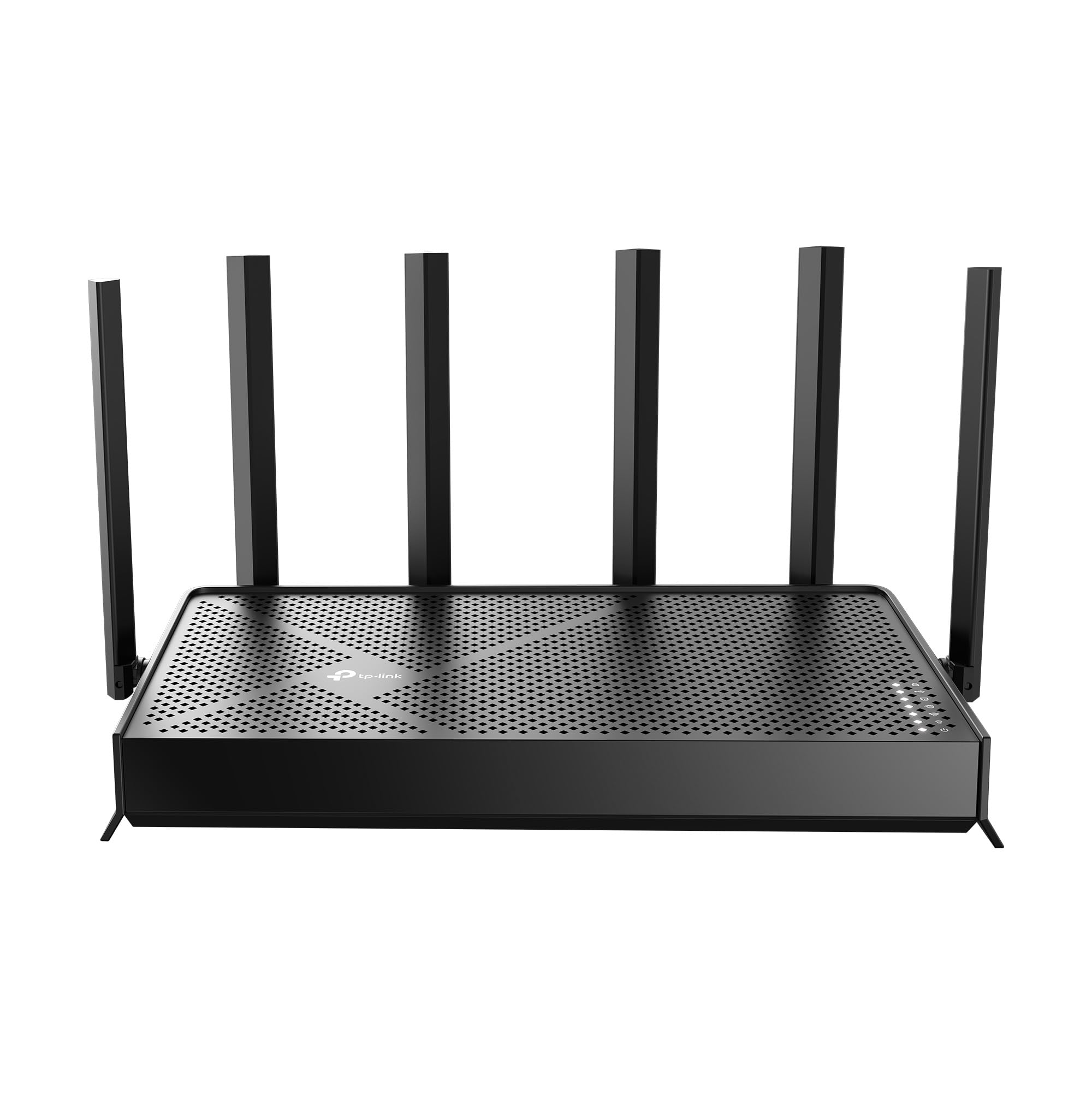
- Tri-band Wi-Fi 7 supports channels up to 320 MHz.
- Wired connections include a 10 Gbps WAN/LAN port and three 2.5 Gbps LAN ports.
- The stated coverage is up to 2,600 sq. ft. for up to 120 devices.
Best For: Households seeking tri-band Wi-Fi 7, multi-gig wired connections, and broad stated coverage.

TP-Link Archer GE800
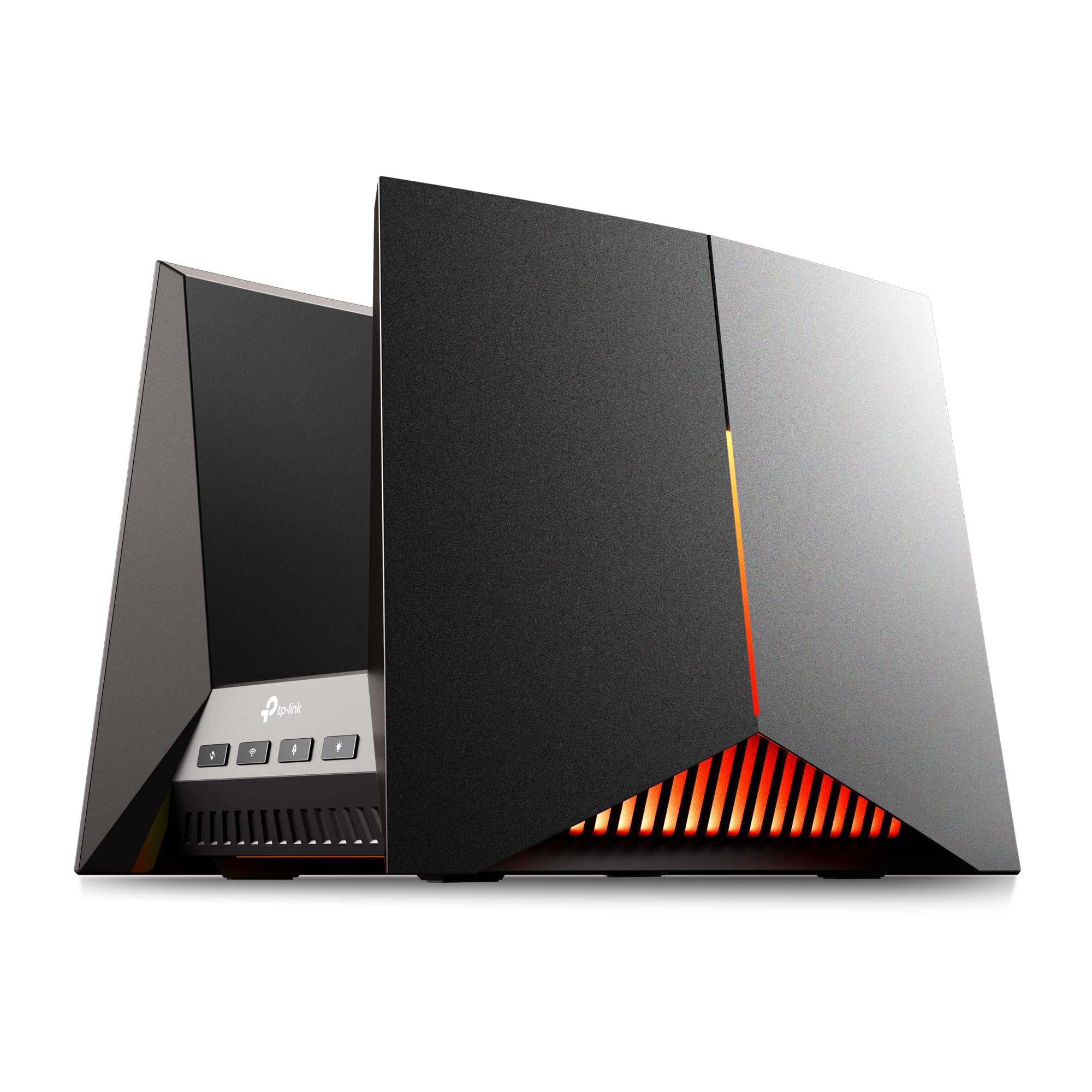
- Tri-band Wi-Fi 7 offers up to 19 Gbps across three bands.
- Wired connectivity includes two 10 Gbps and four 2.5 Gbps ports.
- A dedicated gaming panel and acceleration features are included.
Best For: Gaming households that want a tri-band Wi-Fi 7 router with dedicated game controls and high-speed wired ports.
TP-Link Archer BE400
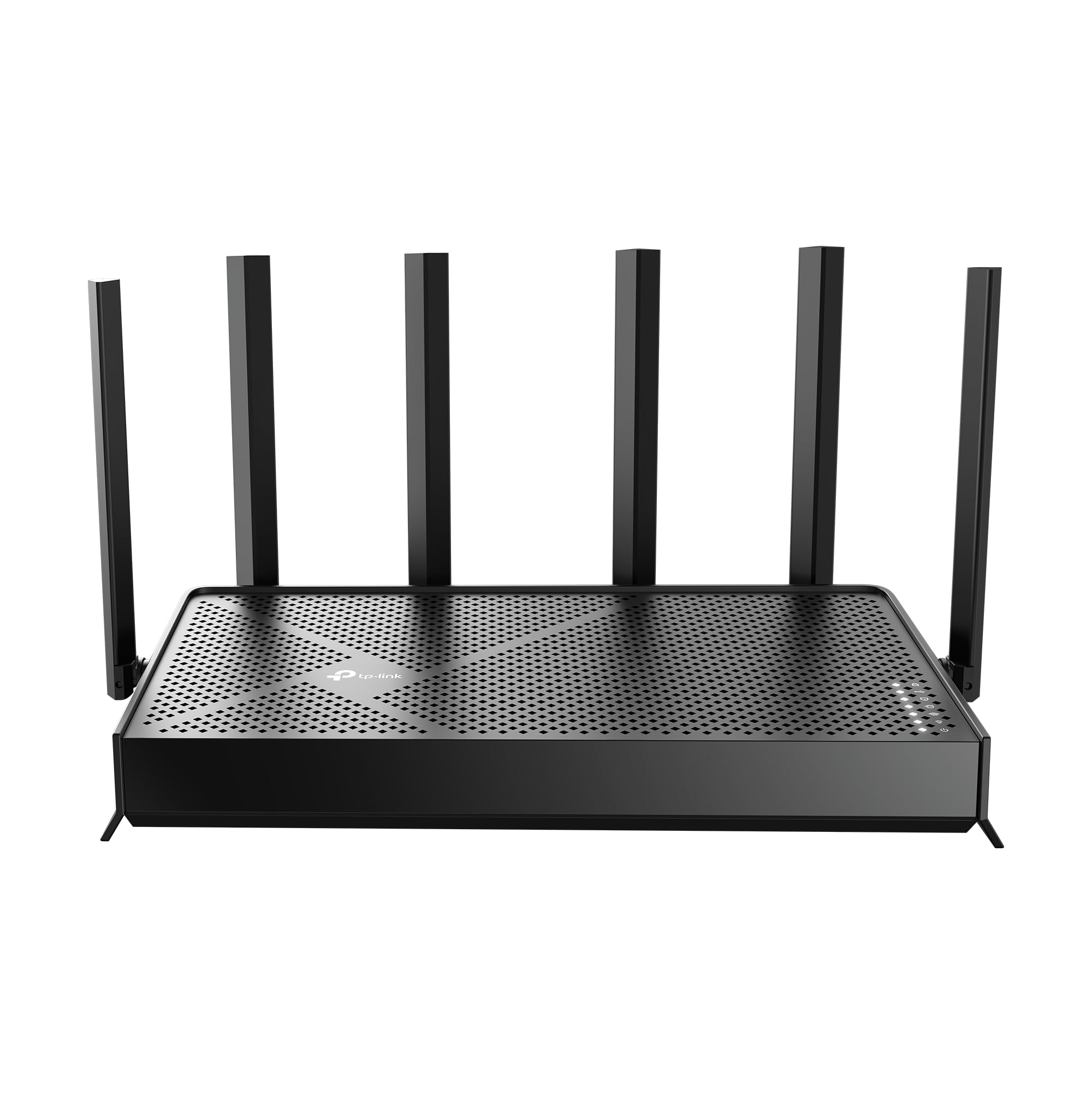
- Dual-band Wi-Fi 7 offers stated total bandwidth of 6.5 Gbps.
- It has two 2.5 Gbps ports and three 1 Gbps LAN ports.
- Stated coverage is up to 2,400 sq. ft. for up to 90 devices.
Best For: Homes wanting dual-band Wi-Fi 7, two 2.5 Gbps ports, and a stated coverage and device capacity.
TP-Link Archer BE230
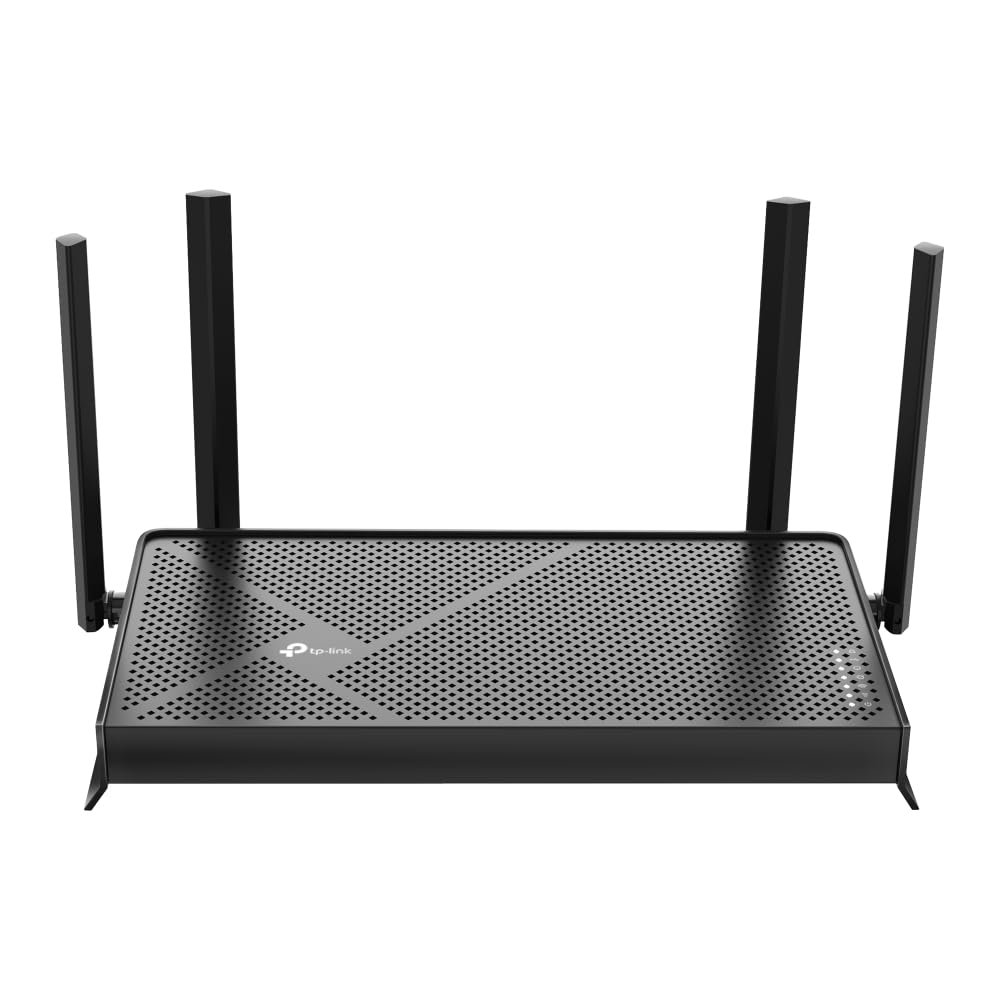
- Dual-band Wi-Fi 7 supports up to 2,882 Mbps on 5 GHz and 688 Mbps on 2.4 GHz.
- The router has two 2.5 Gbps ports and three 1 Gbps LAN ports.
- Its stated coverage is up to 2,000 sq. ft. for up to 60 devices.
Best For: Homes seeking dual-band Wi-Fi 7 and several wired connections without needing 6 GHz.
TP-Link Deco 7 BE23
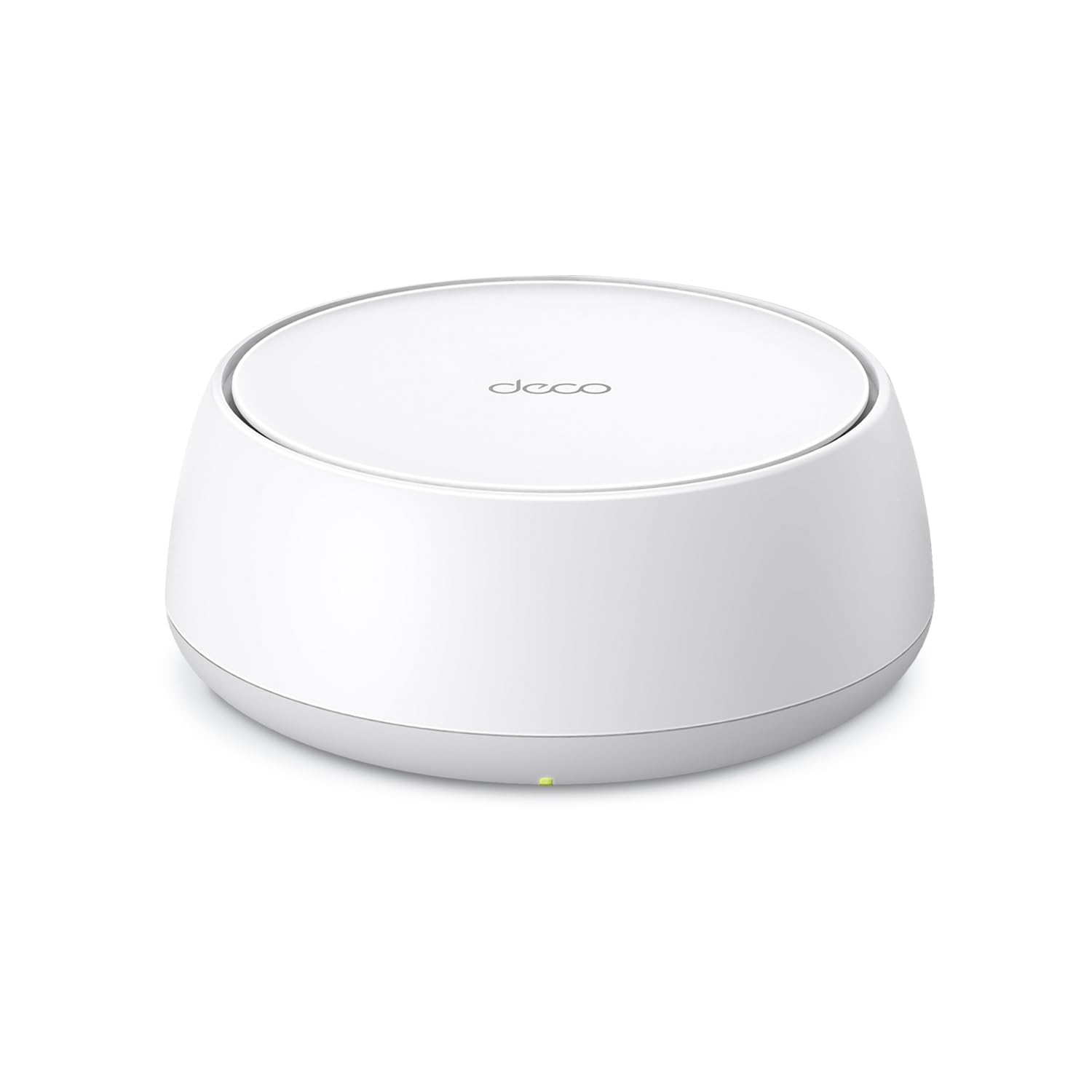
- This is a one-pack dual-band Wi-Fi 7 mesh router.
- The one-pack coverage figure is up to 2,500 sq. ft., with up to 150 devices.
- It has two 2.5 Gbps WAN/LAN ports.
Best For: Households interested in a mesh-style unified network and a single-node stated coverage figure.
TP-Link Archer GE650
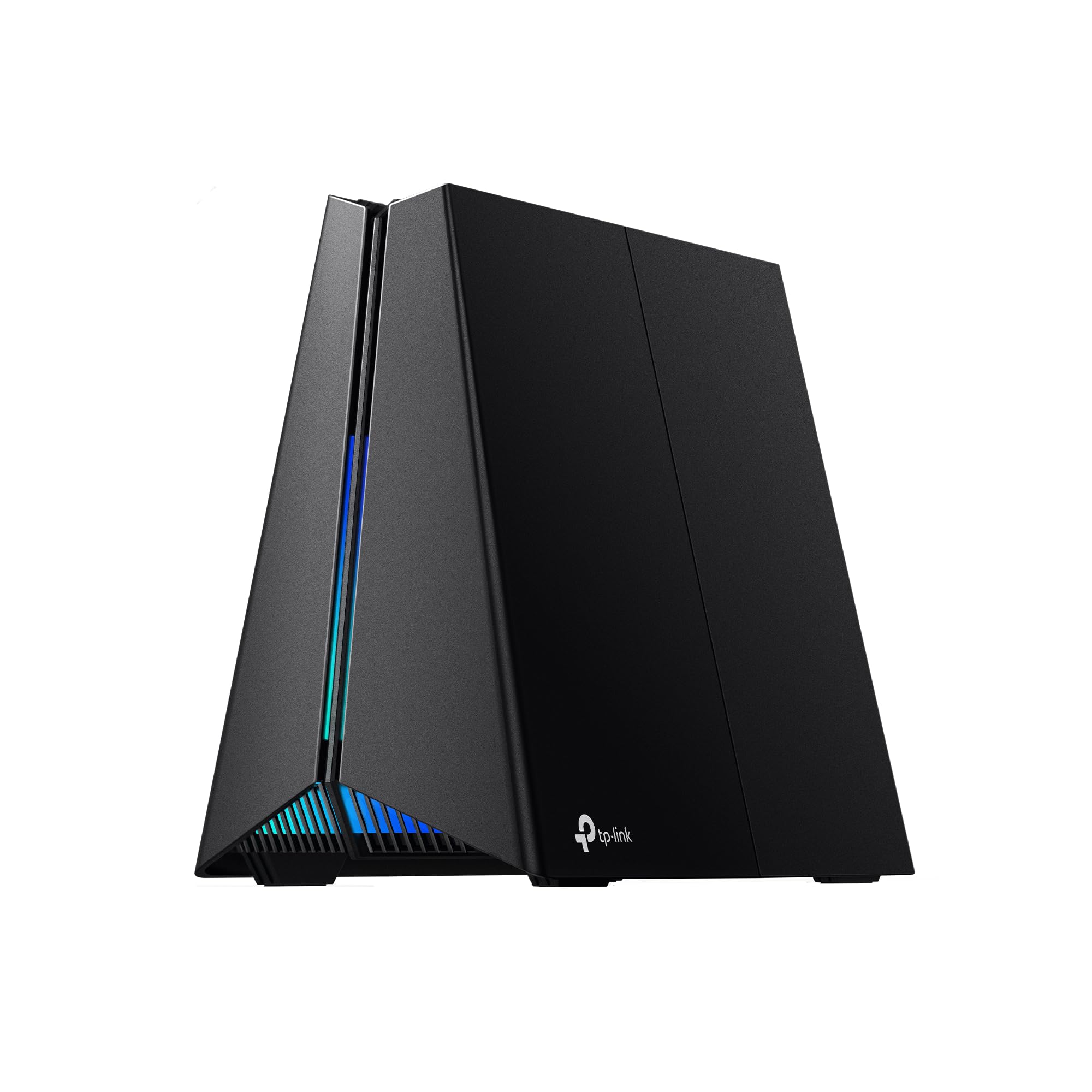
- Tri-band Wi-Fi 7 includes a dedicated 5 GHz gaming band.
- It has two 5 Gbps ports and three 2.5 Gbps LAN ports.
- A game panel provides network and router performance information.
Best For: Gamers who want a tri-band Wi-Fi 7 router with game-focused controls and multi-gig ports.
Tenda RX12 Pro V3.0
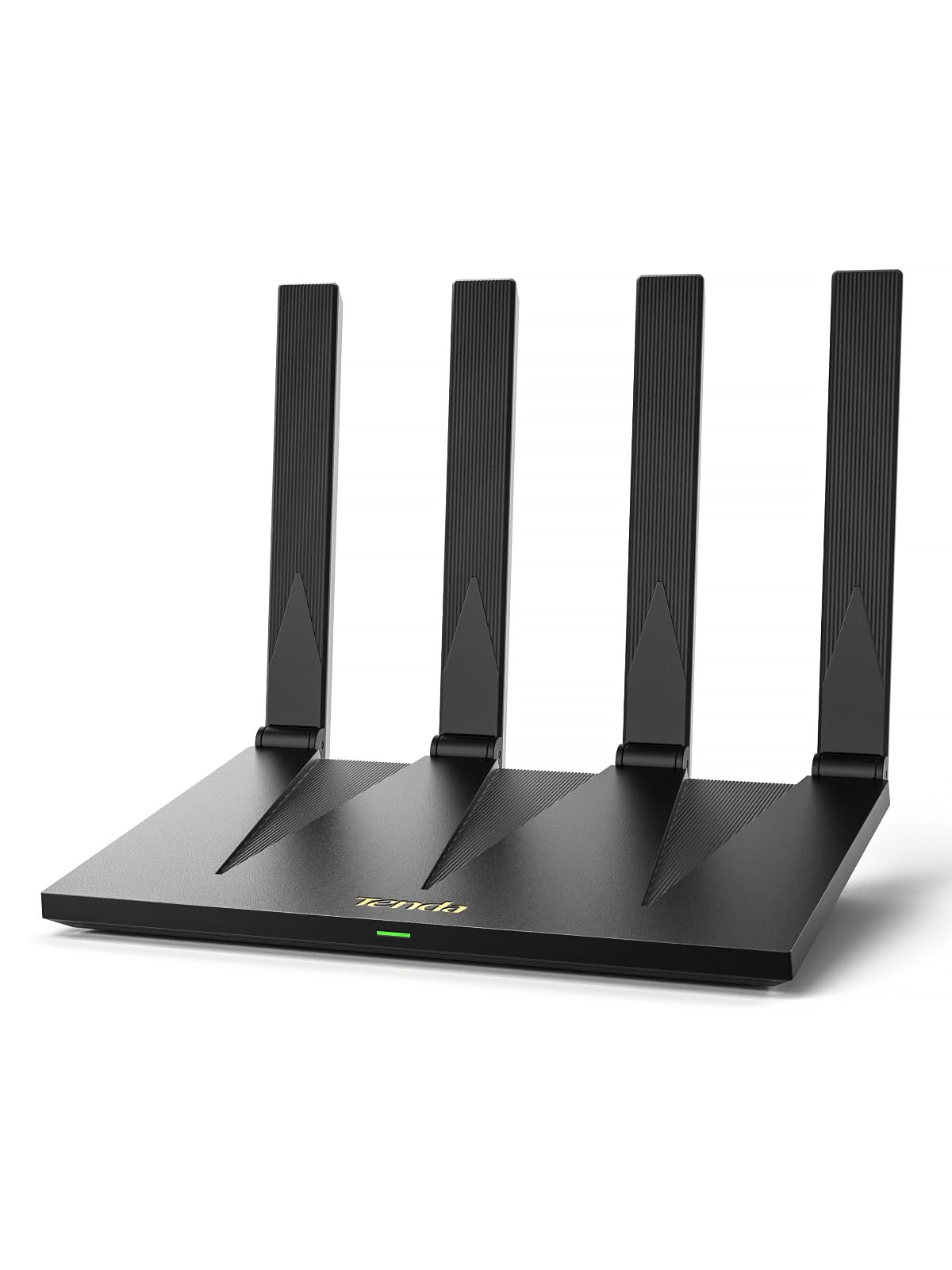
- Wi-Fi 6 speeds are listed up to 2,402 Mbps on 5 GHz and 574 Mbps on 2.4 GHz.
- It has four gigabit ports with automatic WAN/LAN recognition.
- NFC tap-to-connect works with compatible Android devices.
Best For: Homes wanting a Wi-Fi 6 router with gigabit ports, VPN support, and NFC tap-to-connect.
Tenda AC6
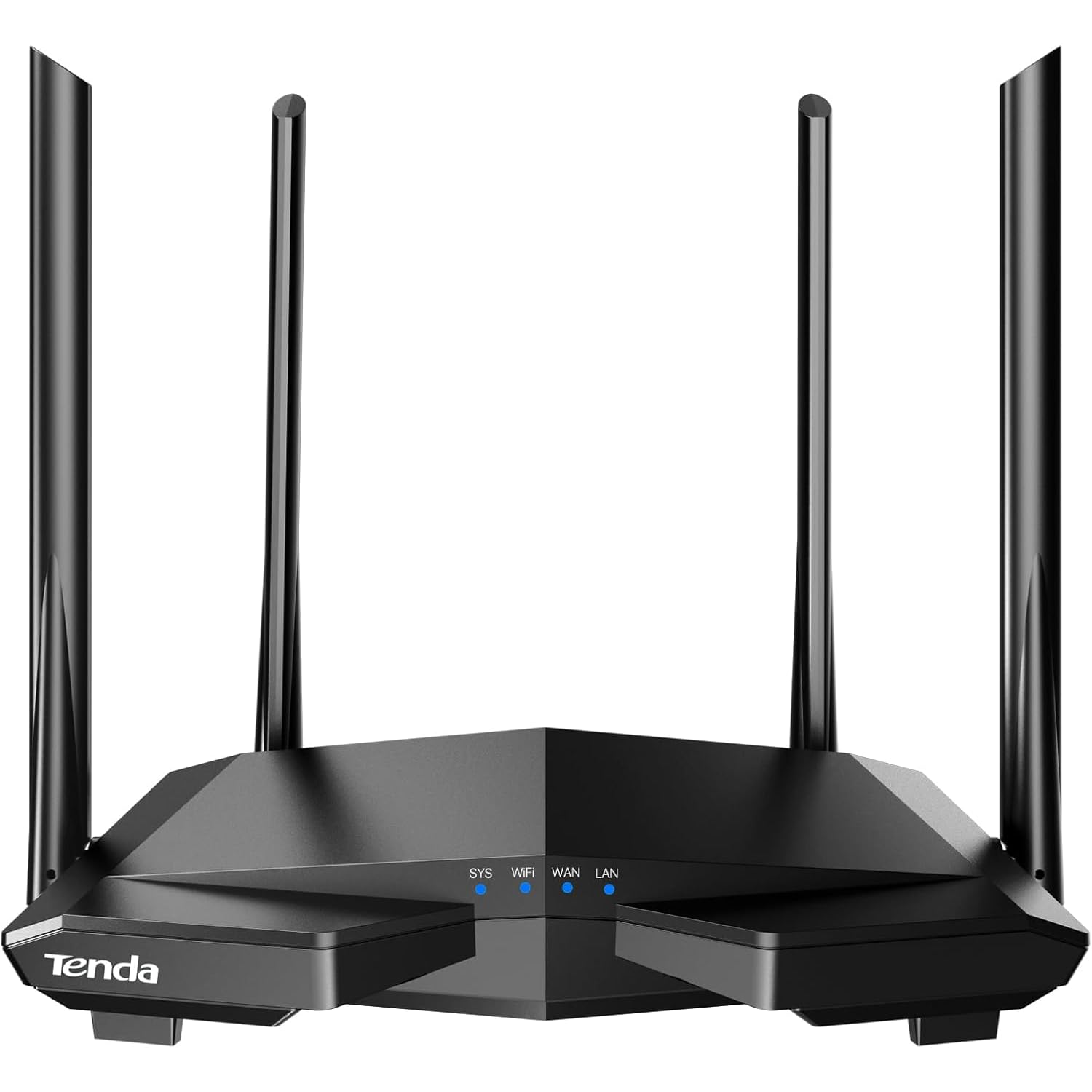
- Dual-band Wi-Fi has stated speeds up to 1.2 Gbps.
- The router has four 100 Mbps Ethernet ports.
- Access point mode and guest Wi-Fi are supported.
Best For: A basic home setup seeking dual-band Wi-Fi, app management, and access point mode.
TP-Link Roam 7 BE3600
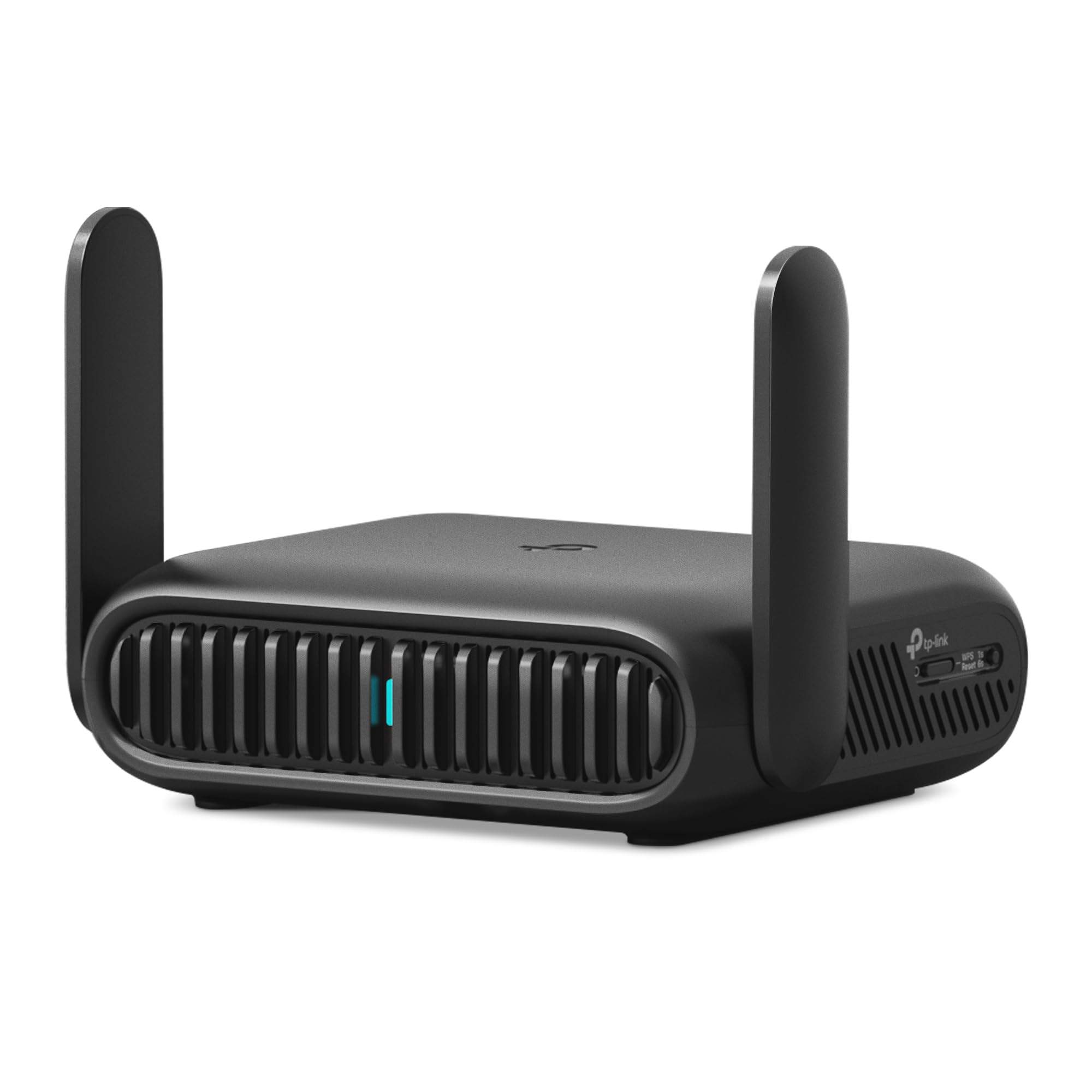
- It creates a private network from public Wi-Fi and supports up to 90 devices.
- Modes include router, hotspot, access point, repeater, and client.
- It has a 2.5 Gbps WAN port and USB-C power.
Best For: Travelers who want to share public Wi-Fi privately and use Wi-Fi 7 on the go.
TP-Link Roam 6 AX1500
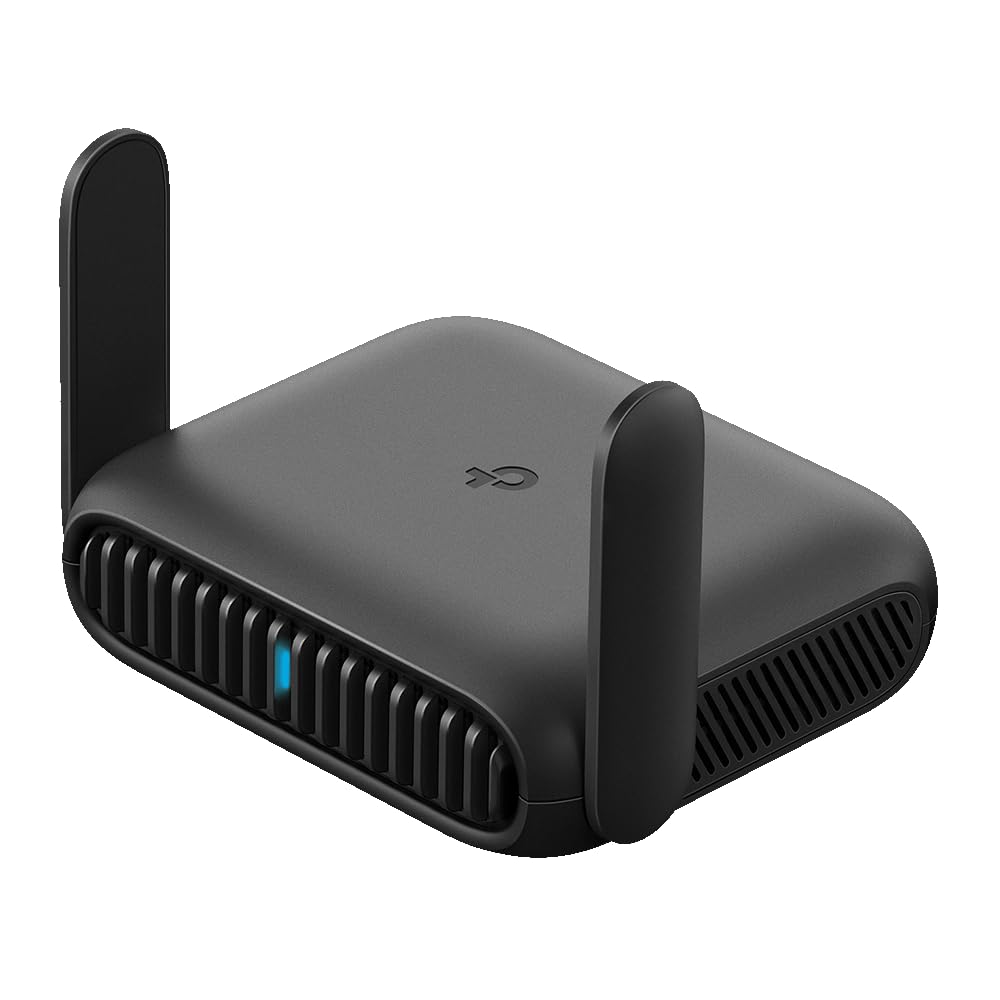
- Wi-Fi 6 speeds are stated up to 1,201 Mbps on 5 GHz and 300 Mbps on 2.4 GHz.
- It supports public Wi-Fi sharing and phone USB tethering.
- USB-C power can use a compatible 5V/3A PD source.
Best For: Travelers seeking a compact Wi-Fi 6 router with public Wi-Fi sharing, USB tethering, and VPN support.
Tri-Band Wi-Fi 7 for Larger Homes
TP-Link Tri-Band BE9700 WiFi 7 Router (Archer BE600) – 10G Port, 2.5G Port, 3× 2.5G LAN, 320MHz Channel, Covers up to 2,600 sq. ft., 120 Devices, VPN, HomeShield Security
The Archer BE600 combines tri-band Wi-Fi 7 with a 10 Gbps WAN/LAN port and several 2.5 Gbps connections, making it a fit for homes with newer wireless devices and multi-gig wired equipment. It supports up to 2,600 sq. ft. of coverage and up to 120 devices, according to its stated capacity figures.
The 6 GHz band and 320 MHz channels give compatible devices access to newer Wi-Fi features. HomeShield, VPN client and server support, and app or web setup add practical network controls.
Check whether your modem and client devices can use the faster bands and ports before paying for them.
Best For: Households seeking tri-band Wi-Fi 7, multi-gig wired connections, and broad stated coverage.
| Pros | Cons |
|---|---|
|
|
Choose the BE600 if your setup can use both 6 GHz Wi-Fi and several multi-gig wired links, or if the stated coverage and device capacity suit your home. Its mix of a 10 Gbps port and three 2.5 Gbps LAN ports gives it a different wired emphasis from dual-band Wi-Fi 7 routers.
Confirm that your modem and connected devices support the speeds you expect; the router’s maximum figures do not establish the speed of an internet plan or an individual client.
Gaming Controls and 10 Gbps Ports
TP-Link Tri-Band BE19000 Wi-Fi 7 Gaming Router Archer GE800 | 12-Stream | 2×10G + 4×2.5G Ports, USB 3.0 | Turbo Acceleration, Dedicated Gaming Port & Panel, RGB Lighting, HomeShield, Free Expert Help
The Archer GE800 centers its feature set on gaming, with tri-band Wi-Fi 7, a dedicated gaming port and panel, and game acceleration tools. Its stated wireless bandwidth is up to 19 Gbps across three bands, and wired connections include two 10 Gbps ports plus four 2.5 Gbps ports.
A quad-core processor and 2 GB RAM are specified, along with RGB lighting and EasyMesh compatibility. Those features can make sense in a gaming space with high-speed wired equipment and compatible Wi-Fi 7 clients.
It is a substantial feature set, so check whether your broadband connection and devices can use the extra port capacity before choosing it.
Best For: Gaming households that want a tri-band Wi-Fi 7 router with dedicated game controls and high-speed wired ports.
| Pros | Cons |
|---|---|
|
|
Pick the GE800 when its gaming panel, acceleration features, and large selection of multi-gig ports match an actual gaming setup. Its feature emphasis differs from routers aimed at broader home coverage, and no coverage or device-count figure is supplied here.
Before buying, count the wired devices that need faster-than-gigabit links and verify that your internet service and client hardware can take advantage of the router’s capabilities.
Wi-Fi 7 with Stated Home Coverage
TP-Link BE6500 Dual-Band WiFi 7 Router (BE400) – Dual 2.5Gbps Ports, USB 3.0, Covers up to 2,400 sq. ft., 90 Devices, Quad-Core CPU, HomeShield, Private IoT, Free Expert Support
The Archer BE400 is a dual-band Wi-Fi 7 router with a stated 6.5 Gbps total bandwidth, coverage up to 2,400 sq. ft., and capacity for up to 90 devices. Its wireless feature set includes Multi-Link Operation, Multi-RUs, and 4K-QAM.
Two 2.5 Gbps ports and three 1 Gbps LAN ports give wired devices several connection options, while USB 3.0, HomeShield, VPN support, and EasyMesh add flexibility. The dual-band design does not include a 6 GHz band, so compare it with tri-band Wi-Fi 7 models if that band is a priority.
A separate modem is required for most providers.
Best For: Homes wanting dual-band Wi-Fi 7, two 2.5 Gbps ports, and a stated coverage and device capacity.
| Pros | Cons |
|---|---|
|
|
The BE400 suits households that want Wi-Fi 7 and multi-gig wired ports with a stated coverage and device capacity. It offers fewer wireless bands than the tri-band options here, so consider that difference if you specifically need 6 GHz access.
Check your modem, internet plan, and client devices, then compare the BE400’s five wired ports with the number and speed of devices you plan to connect.
Dual-Band Wi-Fi 7 with Five LAN Ports
TP-Link Dual-Band BE3600 Wi-Fi 7 Router Archer BE230 | 4-Stream | 2×2.5G + 3×1G Ports, USB 3.0, 2.0 GHz Quad Core, 4 Antennas | VPN, EasyMesh, HomeShield, MLO, Private IOT | Free Expert Support
The Archer BE230 combines dual-band Wi-Fi 7 with two 2.5 Gbps ports and three 1 Gbps LAN ports. It also has a 2.0 GHz quad-core processor, USB 3.0, VPN features, HomeShield, and EasyMesh support.
The stated coverage is up to 2,000 sq. ft. for up to 60 devices, which gives buyers a point of reference for matching the router to their home. It does not support 6 GHz, so its Wi-Fi 7 label does not mean it has the same band selection as tri-band models.
The Tether app supports setup, and a separate modem is required for most providers.
Best For: Homes seeking dual-band Wi-Fi 7 and several wired connections without needing 6 GHz.
| Pros | Cons |
|---|---|
|
|
Choose the BE230 if you want Wi-Fi 7 features alongside a useful mix of multi-gig and gigabit Ethernet ports. The stated coverage and device capacity may help narrow the fit, but actual performance depends on the home layout and connected devices.
Its lack of 6 GHz is the key distinction to weigh against tri-band alternatives. Check whether your modem and wired equipment match the port speeds you plan to use.
Mesh-Ready Wi-Fi 7 for Room-to-Room Roaming
TP-Link Deco 7 BE23 Dual-Band BE3600 WiFi 7 Mesh Wi-Fi Router | 4-Stream 3.6 Gbps,160 Mhz | Covers up to 2,500 Sq.Ft | 2× 2.5G Ports Wired Backhaul | VPN, MLO, HomeShield, Free Expert Help, 1-Pack
The Deco 7 BE23 is a one-pack dual-band Wi-Fi 7 mesh router with stated coverage up to 2,500 sq. ft. and support for up to 150 devices. It provides two 2.5 Gbps WAN/LAN ports and supports wired and wireless backhaul.
Deco mesh features create a unified network name and AI-driven roaming, while VPN support and a separate IoT network add network-management options. The single-unit package matters when comparing its coverage with multi-node mesh systems or standalone routers.
Consider your floor plan and whether you may want additional compatible Deco units for areas that need more coverage.
Best For: Households interested in a mesh-style unified network and a single-node stated coverage figure.
| Pros | Cons |
|---|---|
|
|
The Deco 7 fits buyers who value mesh roaming and may expand the network with compatible Deco units. Its one-pack coverage figure should be considered as a single node rather than assumed to describe a multi-unit kit.
Compare the two 2.5 Gbps ports with your wired needs, and check the layout and construction of your home before relying on any stated coverage maximum. Its dual-band design also differs from tri-band Wi-Fi 7 choices.
Gaming Router with a Dedicated 5 GHz Band
TP-Link Tri-Band BE11000 Wi-Fi 7 Gaming Router Archer GE650 | 6-Stream 11 Gbps supports 320MHz | 2×5G + 3×2.5G Ports USB 3.0 | Game Acceleration, Dedicated Gaming Port & Panel, RGB Lighting|HomeShield
The Archer GE650 is a tri-band Wi-Fi 7 gaming router with a dedicated 5 GHz gaming band, a game panel, and traffic acceleration features. Its stated band speeds reach up to 5,764 Mbps on 6 GHz, 4,320 Mbps on 5 GHz, and 574 Mbps on 2.4 GHz.
Wired connections include two 5 Gbps ports and three 2.5 Gbps LAN ports. The Tether app supports setup and management, while EasyMesh and HomeShield add home-network features.
This model is aimed squarely at gaming households, so compare its gaming tools and port speeds with your devices before choosing it over a general-purpose router.
Best For: Gamers who want a tri-band Wi-Fi 7 router with game-focused controls and multi-gig ports.
| Pros | Cons |
|---|---|
|
|
The GE650 is a focused choice for gamers who want a dedicated gaming band, dashboard controls, and multi-gig wired ports. Its port mix differs from the BE400, while this record supplies band speeds but no coverage or device-count figure.
Check whether your gaming PC or console can use the available wireless or wired speeds and whether the acceleration features fit your setup. The listed maximum band rates are not a guarantee of a particular internet speed.
Wi-Fi 6 with VPN and NFC Guest Connection
Tenda AX3000 WiFi 6 Router,Dual-Band Gigabit Wireless Internet Router, Mesh & AP Mode, Built-in VPN, NFC Tap-to-Connect, OFDMA MU-MIMO, Secure IoT Network for Home Gaming & 4K Streaming(RX12 Pro V3.0)
The Tenda RX12 Pro V3.0 is a dual-band Wi-Fi 6 router with stated speeds up to 2,402 Mbps on 5 GHz and 574 Mbps on 2.4 GHz. Its feature mix includes four gigabit ports, OpenVPN and WireGuard support, an IoT network, and NFC tap-to-connect for compatible Android phones.
EasyMesh, access point mode, and app-based setup add flexibility for a home network. The record gives no specific coverage area, so consider placement and home layout when comparing it with routers that have stated coverage figures.
A separate modem or ISP gateway is required for internet access.
Best For: Homes wanting a Wi-Fi 6 router with gigabit ports, VPN support, and NFC tap-to-connect.
| Pros | Cons |
|---|---|
|
|
Choose the RX12 Pro if Wi-Fi 6 is sufficient and you value four gigabit ports, VPN support, or an NFC option for compatible Android guests. Its feature set is less focused on Wi-Fi 7 and multi-gig wired links than several other picks.
Check your internet plan and the devices you will connect, and account for the missing coverage figure by considering where the router can be placed and whether your home may need mesh expansion.
Simple Dual-Band Home Networking
Tenda AC1200 Smart WiFi Router, High Speed Dual Band Wireless Internet Router with Smart APP, 4 x 100 Mbps Fast Ethernet Ports, Supports Guest WiFi, Access Point Mode, IPv6 and Parental Controls(AC6)
The Tenda AC6 is an AC1200 dual-band router with stated Wi-Fi speeds up to 1.2 Gbps across its 5 GHz and 2.4 GHz bands. Four 100 Mbps Ethernet ports provide wired connectivity, and access point mode can turn a wired connection into Wi-Fi.
The Tenda app supports setup and network management, with guest Wi-Fi and parental controls included. This is a simpler option than the Wi-Fi 6 models in this guide, and its Ethernet ports are limited to 100 Mbps.
It is a fit for basic wireless use, provided those port speeds suit your wired devices and internet connection.
Best For: A basic home setup seeking dual-band Wi-Fi, app management, and access point mode.
| Pros | Cons |
|---|---|
|
|
The AC6 suits a basic home network where dual-band Wi-Fi, guest access, and app controls matter more than high-speed wired links. Its four Ethernet ports are limited to 100 Mbps, a concrete tradeoff to weigh if you connect a computer, console, or other device over Ethernet.
Compare that port speed with your internet service and wired needs. It is also not a modem, so confirm that you already have the required ISP equipment.
Wi-Fi 7 Travel Router with 2.5 Gbps WAN
TP-Link Roam 7 BE3600 Wi-Fi 7 Portable Travel Router | Dual-Band, 2.5G Port, USB 3.0 | Multi-Modes in One | OpenVPN, WireGuard® | Public WiFi Sharing for Hotel/Cruise/RV/Plane | No 6 GHz | TL-WR3602BE
The Roam 7 BE3600 is a portable dual-band Wi-Fi 7 router designed for travel settings such as hotels, airports, cruises, and RVs. It can connect to public Wi-Fi and create a private network, or operate in router, hotspot, access point, repeater, or client modes.
The 2.5 Gbps WAN and 1 Gbps LAN ports support wired connections, while OpenVPN and WireGuard support private network options. USB-C power can come from the included adapter or a 5V PD power source such as a power bank.
It does not support 6 GHz, so check whether that matters for your devices.
Best For: Travelers who want to share public Wi-Fi privately and use Wi-Fi 7 on the go.
| Pros | Cons |
|---|---|
|
|
Pick the Roam 7 when travel connectivity is the main need: it can share public Wi-Fi, support several operating modes, and run from USB-C power. Its 2.5 Gbps WAN port is useful for compatible wired sources, though the single 1 Gbps LAN port sets the wired-device count and speed options.
It is dual-band without 6 GHz. Check that your travel network allows router use and that your power source and VPN setup match the way you plan to connect.
Pocket Wi-Fi 6 Router for Travel
TP-Link Roam 6 AX1500 Portable Wi-Fi 6 Travel Router Dual-Band | Easy Public WiFi Sharing | Hotel/RV/Travel Approved | Phone WiFi Tether | USB C 3.0 | Multi-Mode | OpenVPN, WireGuard® | TL-WR1512X
The Roam 6 AX1500 is a pocket-sized dual-band Wi-Fi 6 travel router for hotels, Airbnbs, airports, and other trips. It can connect to public Wi-Fi to create a private network, or use phone USB tethering, and it supports access point, repeater, and client modes.
OpenVPN and WireGuard support provide VPN options, while USB-C power works with the included adapter or a compatible 5V/3A PD source. Its stated capacity is up to 60 devices.
The ports are gigabit rather than multi-gig, so compare those speeds and the device count with your travel setup before choosing it.
Best For: Travelers seeking a compact Wi-Fi 6 router with public Wi-Fi sharing, USB tethering, and VPN support.
| Pros | Cons |
|---|---|
|
|
The Roam 6 is the compact travel choice for buyers who want public Wi-Fi sharing, phone tethering, VPN support, and familiar Wi-Fi 6 connectivity. Its gigabit ports and stated capacity distinguish it from the newer Roam 7, which has Wi-Fi 7 and a faster WAN port.
Check the available connection method at your destination and whether your phone supports USB tethering. The device itself does not replace a hotel or cellular internet source.
How to Choose Wifi Routers
How We Picked WiFi Routers
We selected ten distinct router models from the supplied candidates, spanning basic dual-band home networking, Wi-Fi 6 and Wi-Fi 7 upgrades, gaming-focused designs, mesh-oriented systems, and portable travel routers. Each product has a clear router use case and documented features that help distinguish it, such as wireless bands, Ethernet ports, stated coverage, mesh support, app controls, or travel modes.
A router does not supply an internet connection by itself. Several of these products specify that a separate modem is required for most providers, while travel models depend on public Wi-Fi, Ethernet, or phone tethering.
Match the router’s role to the connection source you already have.
Comparing WiFi Routers by Bands and Ports
The main wireless distinction is between older dual-band Wi-Fi, Wi-Fi 6, dual-band Wi-Fi 7, and tri-band Wi-Fi 7. The Tenda AC6 is the straightforward AC1200 option, while the Tenda RX12 Pro adds Wi-Fi 6, gigabit ports, and VPN support.
The Archer BE230 and BE400 offer Wi-Fi 7 but no 6 GHz band; the BE600, GE650, GE800, and AXE75-class option add tri-band Wi-Fi 7 features, each with a different emphasis.
Wired ports matter when connecting a modem, desktop, console, storage device, or switch. The AC6 has 100 Mbps Ethernet, the RX12 Pro and Roam 6 use gigabit ports, and several Wi-Fi 7 models add 2.5 Gbps or faster connections.
Confirm which port is WAN and which are LAN, and compare the port speeds with your modem, internet service, and wired devices.
| Product | Standout features | Best for |
|---|---|---|
| TP-Link Archer BE600Check Price |
| Households seeking tri-band Wi-Fi 7, multi-gig wired connections, and broad stated coverage. |
| TP-Link Archer GE800Check Price |
| Gaming households that want a tri-band Wi-Fi 7 router with dedicated game controls and high-speed wired ports. |
| TP-Link Archer BE400Check Price |
| Homes wanting dual-band Wi-Fi 7, two 2.5 Gbps ports, and a stated coverage and device capacity. |
| TP-Link Archer BE230Check Price |
| Homes seeking dual-band Wi-Fi 7 and several wired connections without needing 6 GHz. |
| TP-Link Deco 7 BE23Check Price |
| Households interested in a mesh-style unified network and a single-node stated coverage figure. |
| TP-Link Archer GE650Check Price |
| Gamers who want a tri-band Wi-Fi 7 router with game-focused controls and multi-gig ports. |
| Tenda RX12 Pro V3.0Check Price |
| Homes wanting a Wi-Fi 6 router with gigabit ports, VPN support, and NFC tap-to-connect. |
| Tenda AC6Check Price |
| A basic home setup seeking dual-band Wi-Fi, app management, and access point mode. |
| TP-Link Roam 7 BE3600Check Price |
| Travelers who want to share public Wi-Fi privately and use Wi-Fi 7 on the go. |
| TP-Link Roam 6 AX1500Check Price |
| Travelers seeking a compact Wi-Fi 6 router with public Wi-Fi sharing, USB tethering, and VPN support. |
Choosing a Home Router for Coverage and Mesh
Coverage figures are stated maximums, not a promise for every floor plan.
The Archer BE600 lists up to 2,600 sq. ft.; the BE400 lists up to 2,400 sq. ft.; and the Deco 7 one-pack lists up to 2,500 sq. ft. The BE230 lists up to 2,000 sq. ft. Walls, placement, and home layout affect what a single unit can reach, so consider EasyMesh or Deco expansion when one router may leave distant rooms underserved.
The Deco 7 is specifically a one-pack mesh router with unified-network roaming and wired or wireless backhaul. Several Archer models support EasyMesh, but their listed configurations remain single-router products.
A mesh-ready home router can offer an expansion path; it does not mean the package includes extra nodes.
When a Gaming WiFi Router Makes Sense
The GE650 and GE800 focus on gaming tools. The GE650 highlights a dedicated 5 GHz gaming band, game panel, and 5 Gbps ports; the GE800 steps up to two 10 Gbps ports, four 2.5 Gbps ports, and game acceleration features.
These details are most relevant when your setup has wired gaming devices or supports newer Wi-Fi features. RGB lighting and dashboard controls are convenience features, while the actual connection also depends on your broadband service and client hardware.
If you mainly browse, stream, and connect typical household devices, a general-purpose Wi-Fi 6 or Wi-Fi 7 router may fit better than a gaming model with specialized controls. Compare the gaming features with the equipment you already own rather than choosing by a top-line wireless rate alone.
Who Should Buy Which WiFi Router?
For basic home Wi-Fi with guest access and app controls, consider the Tenda AC6 if its 100 Mbps Ethernet ports meet your needs. The Tenda RX12 Pro is a step toward Wi-Fi 6, gigabit Ethernet, VPN support, and NFC guest connection.
For newer Wi-Fi 7 devices, compare the dual-band BE230 or BE400 with the tri-band BE600 based on whether you need 6 GHz and how many multi-gig wired links you use.
For gaming-focused controls, compare the GE650 and GE800 by their dedicated features and port speeds. For a mesh-oriented system, the Deco 7 one-pack offers a unified Deco network and a stated single-unit coverage figure.
For hotels and travel, the Roam 7 adds Wi-Fi 7 and a 2.5 Gbps WAN port, while the Roam 6 is a pocket-sized Wi-Fi 6 option with phone tethering. Choose based on the actual connection source, devices, and coverage demands of your setup.